
ContentIn
Generate high-quality written content tailored to your needs.
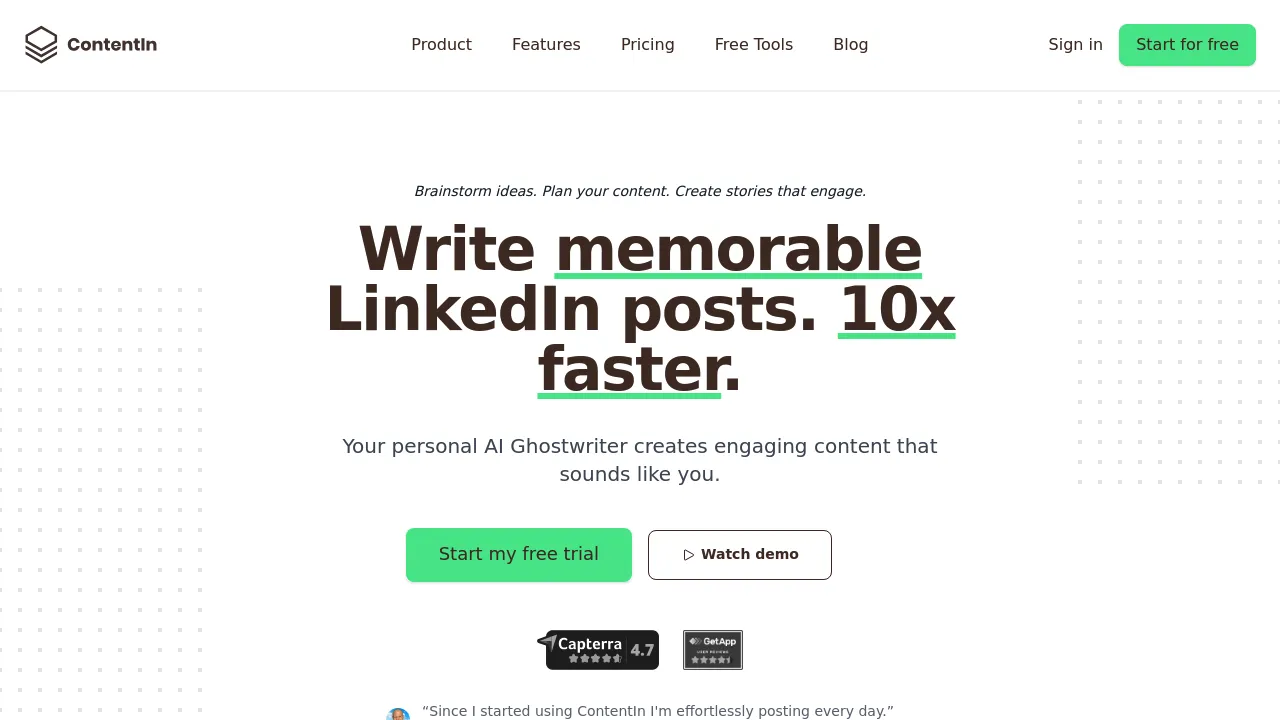
ContentIn: Revolutionizing LinkedIn Content Creation
Introduction
Overview of ContentIn
ContentIn is an AI-powered platform designed to simplify the process of creating engaging and meaningful social media content for LinkedIn. It leverages advanced AI technology to generate fresh ideas and write high-quality posts, making it easier for users to maintain a consistent and engaging presence on the platform.
Key Benefits and Use Cases
ContentIn offers several key benefits, including:
- Time-Saving: Automates many tasks involved in social media content creation, saving users time and enhancing productivity.
- Engagement Optimization: Provides advanced analytics to track post performance, allowing users to refine their content strategy and optimize for maximum impact.
- Content Generation: Generates fresh and relevant content ideas, eliminating writer’s block and ensuring that users never run out of ideas.
Who Uses ContentIn
ContentIn is ideal for:
- Digital Marketing Consultants: To help clients develop a strong online presence through social media.
- Freelance Writers: To deliver high-quality social media content that meets clients’ needs and exceeds their expectations.
- Marketing Students: To learn and practice creating engaging LinkedIn content.
What Makes ContentIn Unique
ContentIn stands out due to its:
- AI-Powered Writing Assistant: Helps users generate and write original content ideas in minutes.
- Advanced Analytics: Tracks important data such as likes, shares, comments, and views to provide meaningful insights.
- Template Library: Offers a vast library of templates to help users create compelling content quickly.
Pricing Plans
ContentIn offers different pricing plans, which can be found on their official website. As of the current date, the pricing plans are:
- Free Plan: Not specified on the official site, but typically includes basic features.
- Creator Plan: $29/month (billed annually) or $39/month (billed monthly).
- Pro Plan: $49/month (billed annually) or $59/month (billed monthly).
Please note that pricing might be changed, and users should check the official site for the most up-to-date information: ContentIn Pricing Plans.
Core Features
Essential Functions Overview
ContentIn’s core features include:
- Post Scheduling: Allows users to plan and schedule posts in advance, ensuring a consistent presence on LinkedIn.
- LinkedIn Post Preview: Enables users to preview how their posts will appear on LinkedIn within the tool.
- AI Writer: Assists users in generating high-quality content with AI writing assistance.
- Analytics: Tracks post performance, providing insights into engagement metrics.
Common Settings Explained
- Connecting Your LinkedIn Account: Simply connect your LinkedIn account to start generating your content strategy.
- Selecting Topics: Choose topics that interest your target audience, either manually or with AI assistance.
- Specifying Target Audience: Ensure the AI has your target audience in mind to create relevant content.
- Creating Multiple Signatures: Attach different signatures to your posts as needed.
Tips & Troubleshooting
Tips for Best Results
- Use the Template Library: Leverage the vast template library to create compelling content quickly.
- Save and Organize Ideas: Effortlessly save and organize your creative ideas within the app.
- Utilize Focus Mode: Use the Focus mode feature to concentrate on writing without distractions.
Troubleshooting Basics
- Addressing Generic Responses: Occasionally, the AI responses might sound generic. Ensure you provide high-quality prompts for better results.
- HTML Formatting Issues: Be aware of potential bugs related to increasing text size in the HTML formatting editor.
Best Practices
Common Mistakes to Avoid
- Overreliance on AI: While AI is powerful, human touch is essential for high-quality content. Ensure you review and edit AI-generated content.
- Inconsistent Posting: Maintain a consistent posting schedule to keep your audience engaged.
Performance Optimization
- Post Timing: Schedule posts at optimal times to maximize engagement.
- Content Categorization: Organize content based on audience or purpose for better tracking and optimization.
Pros and Cons
Pros
- Time-Saving: Automates many tasks, saving users time and enhancing productivity.
- Engagement Optimization: Provides advanced analytics to refine content strategy and optimize for maximum impact.
- AI-Powered Writing: Generates fresh and relevant content ideas quickly.
- Template Library: Offers a vast library of templates for quick content creation.
Cons
- Dependence on AI: Users might rely too heavily on AI, potentially leading to generic content.
- Pricing: The Pro plan can be expensive for small businesses or individuals.
Summary
ContentIn is a powerful tool for creating and managing LinkedIn content. Its AI-powered features, advanced analytics, and template library make it an essential tool for anyone looking to enhance their presence on LinkedIn and establish themselves as thought leaders in their niche. With its various pricing plans, users can choose the best option for their needs, ensuring they can create and maintain engaging content without spending endless hours brainstorming and creating from scratch. Always check the official site for the most up-to-date pricing information: ContentIn Pricing Plans.
Reviews
No reviews yetSimilar tools in category

Crystal Knows
A platform that analyzes personality traits to enhance communication and collaboration.
Grammarly
An AI-powered writing assistant that enhances clarity, grammar, and style in your text.

Draftly
Draftly is the all-in-one LinkedIn automation suite built to help you grow quality following and business on LinkedIn with personalised content creation, automated scheduling, and thoughtful comment generation.