Jobscan
LinkedIn profile and ATS optimization tool for job seekers who want stronger recruiter visibility.
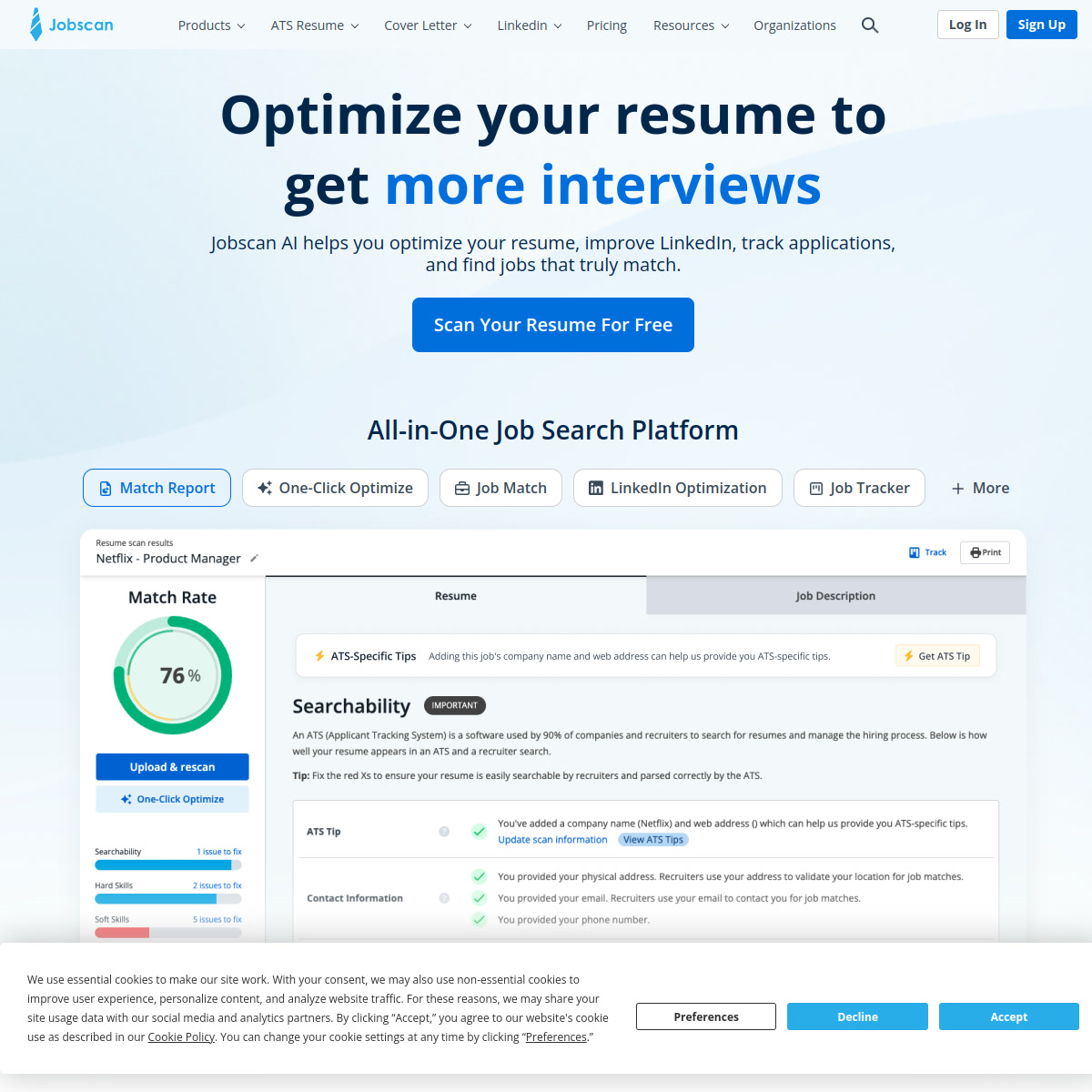
Jobscan: LinkedIn Profile Optimization Tool for ATS-Aligned Job Search Positioning (2026)
Jobscan is a LinkedIn profile optimization and ATS-resume analysis tool from Jobscan Corporation that helps candidates align their public profile and application materials to recruiter search behavior. It is best for active job seekers, career changers, and coaches who want practical feedback on keyword coverage, profile positioning, and resume-to-job matching. It is a weak fit for sales teams, agencies, or anyone looking for LinkedIn outreach automation, because the product is about improving profile quality and application relevance rather than messaging, prospecting, or account growth.
Jobscan: Key Specs at a Glance
| Primary use case | LinkedIn profile optimization and ATS-focused resume tailoring |
|---|---|
| Best for | Job seekers who want their resume and LinkedIn profile aligned to recruiter search behavior |
| Deployment type | Web app |
| LinkedIn compliance claim | Low-risk profile-optimization workflow; it audits profile content rather than automating outreach |
| Daily connection limit | Not applicable |
| Safety features | No outbound automation; the product scores and rewrites profile sections instead of sending actions on LinkedIn |
| Sales Navigator required | No |
| InMail support | No |
| Sequence builder | No |
| CRM integrations | Not publicly documented |
| Email enrichment | No |
| Analytics features | Profile scoring, keyword coverage checks, and ATS/resume match analysis |
| Team features | Coach plan is offered for career coaches with client seats |
| API availability | Not publicly documented |
| Pricing model | Free tier plus premium subscription |
| Free plan | Yes - official premium explainer says free accounts get 5 scans per month |
| Paid plans | Official plan page exposes $49.95 monthly or $89.95 billed every 3 months; annual plan not confirmed in current evidence |
What Jobscan Does Well
A real LinkedIn workflow instead of vague career advice
Jobscan belongs in a LinkedIn tools directory because it has a dedicated LinkedIn Optimization product, not just a generic resume checker. The official LinkedIn optimization page makes the workflow explicit: you paste your LinkedIn URL, add job descriptions, and get a profile score tied to recruiter-facing keywords in your headline, summary, and work history.
Low compliance risk compared with outreach tools
Unlike browser-based automation tools, Jobscan does not touch connection requests, messages, or scraping workflows. It analyzes the wording and completeness of your profile, which makes it much safer for job seekers who want better search visibility without taking on account-risk from automation.
More useful when resume and profile optimization happen together
Jobscan's best case is a user who is tailoring resumes for specific job descriptions and wants their LinkedIn profile to reinforce the same skill signals. That cross-check matters because recruiters often compare the application and the public profile before deciding whether to reach out.
Known Limitations
- The product improves keyword alignment, but it cannot guarantee interviews or ATS success because hiring workflows vary by employer and recruiter.
- Premium pricing is high for budget-sensitive job seekers at $49.95 monthly unless they actively tailor many applications each month.
- Public CRM, recruiting-system, or job-board integrations are not clearly documented in the evidence collected for this run.
- Jobscan is optimized for individual job-search execution, not for sales prospecting, networking automation, or employer-side recruiting workflows.
- Some public community feedback says the score can feel rigid or overly literal, so users still need judgment instead of blindly chasing a higher percentage.
Best For: Who Should Use Jobscan
- Candidates who want to tighten their LinkedIn headline, summary, and experience sections around the jobs they actually want.
- Career changers who need fast feedback on missing keywords and profile gaps before applying.
- People who already tailor resumes and want LinkedIn to reinforce the same positioning.
- Career coaches who need repeatable optimization workflows for multiple clients.
Who Should Look Elsewhere
- Look elsewhere if you need LinkedIn outreach automation, Sales Navigator extraction, or lead-generation features.
- Look elsewhere if you want a cheap one-time template builder rather than an optimization workflow you use repeatedly.
- Look elsewhere if you need employer-side recruiting software instead of candidate-side profile tuning.
LinkedIn Safety and Compliance
Jobscan's LinkedIn workflow has a cleaner safety profile than most tools in this directory because it optimizes what you write on your profile instead of automating behavior on LinkedIn. The official product page focuses on profile scoring, keyword coverage, and section-level recommendations.
That means the practical risk is not account restriction from automation. The main risk is strategic: if you over-optimize around keywords, your profile can become generic or stuffed with terms that make sense to the scanner but sound weak to a recruiter. Used carefully, Jobscan is a profile-quality tool, not a compliance problem.
Pricing and Cost at Scale
The pricing evidence collected for this run is good enough to benchmark the tool. Jobscan's official plan page exposes a $49.95 monthly premium option and a quarterly option billed at $89.95 every three months. The official premium explainer also says free users get 5 scans per month.
That makes the product easiest to justify for active job seekers who are tailoring multiple applications. For a lighter user, the free tier may be enough to diagnose a few key resume and LinkedIn issues before deciding whether premium is worth the spend.
Workflow Fit
Jobscan is strongest when your goal is recruiter discovery and application quality, not networking volume. The LinkedIn optimizer complements the ATS scanner because both are trying to solve the same problem from different angles: show up for the right keywords and present a tighter story.
That makes it a relevant LinkedIn tool for candidates, coaches, and recruiters advising candidates. It is a weak fit for SDRs, agencies, and sales teams because it does not cover prospecting, messaging, or account-based outbound work.
What Users Are Saying
External reviews are mixed in a predictable way. Positive G2 and Reddit comments usually focus on making resume tailoring faster and exposing missing skills or keywords. The criticism is also consistent: a higher score is not the same as a better real-world application, and some users feel the score can overvalue keyword matching.
- G2 reviews: https://www.g2.com/products/jobscan/reviews
- Reddit: worth using?: https://www.reddit.com/r/recruitinghell/comments/1b9xlr9/jobscan_worth_using/
- Reddit: how legit is Jobscan?: https://www.reddit.com/r/resumes/comments/15uz5fs/how_legit_is_jobscanco_it_seems_to_be_impossible/
FAQ
Is Jobscan safe for LinkedIn?
Yes for the core use case - Jobscan optimizes your profile content rather than automating outreach, so it carries far less account risk than message or connection tools.
Does Jobscan optimize LinkedIn profiles?
Yes - Jobscan has a dedicated LinkedIn Optimization workflow that scores your headline, summary, experience, and keyword alignment.
Is Jobscan free?
Partly - the official premium explainer says free accounts get 5 scans per month, while deeper use requires premium.
Does Jobscan require Sales Navigator?
No - the product is for candidates optimizing resumes and LinkedIn profiles, not for Sales Navigator prospecting.
Who should not choose Jobscan?
Sales and recruiting ops teams should not - Jobscan is a candidate-side optimization tool, not a LinkedIn outreach or data platform.
Sources
Reviews
No reviews yetSimilar tools in category

ContentIn
Generate high-quality written content tailored to your needs.

Crystal Knows
A platform that analyzes personality traits to enhance communication and collaboration.

Grammarly
An AI-powered writing assistant that enhances clarity, grammar, and style in your text.