
Lix
Lix is a LinkedIn data enrichment and lead generation Chrome extension that exports up to 10,000 leads per day from LinkedIn and Sales Navigator with 98% accurate email validation. Built for B2B prospectors who need enriched contact data at scale.
The Complete Guide to Lix: LinkedIn Data Enrichment & Lead Generation at Scale
Introduction
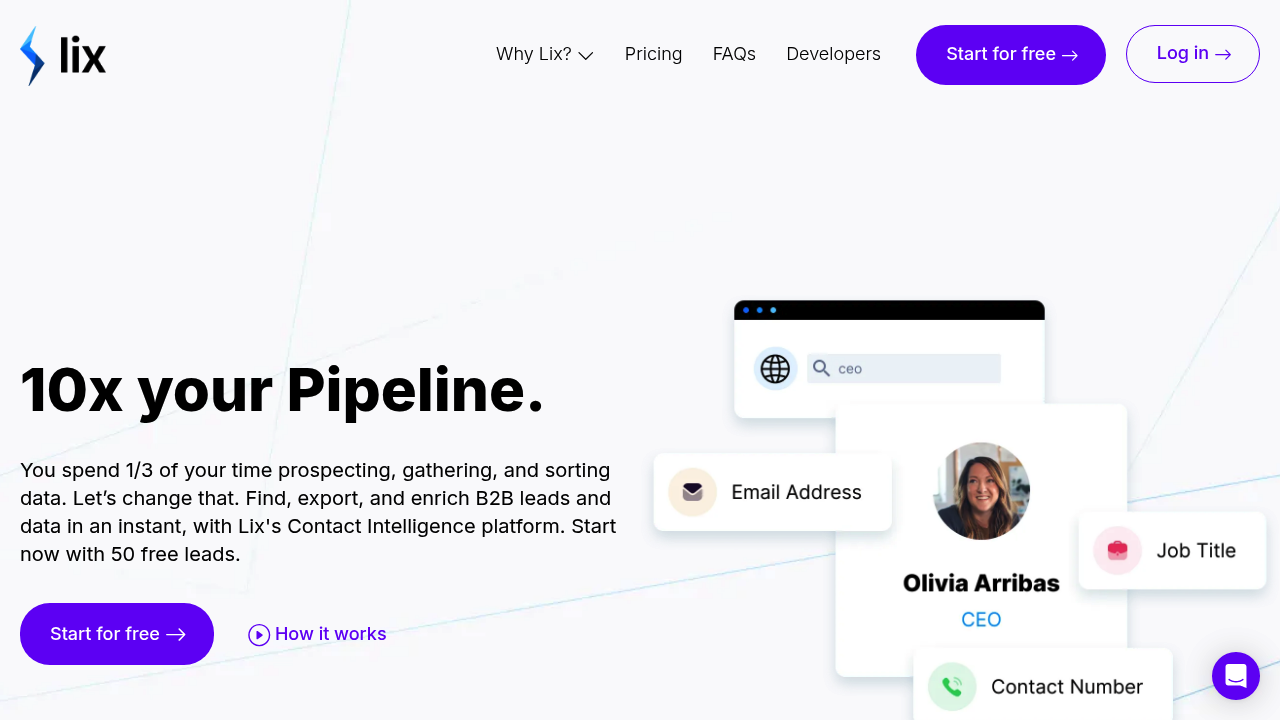
Lix (lix-it.com) is a powerful LinkedIn data enrichment and lead generation platform built around a Chrome browser extension that connects directly to LinkedIn and LinkedIn Sales Navigator. It enables B2B sales teams, recruiters, and growth professionals to export up to 10,000 enriched leads per day, complete with 98% accurate email validation and comprehensive business data. Lix removes the manual copy-paste bottleneck between LinkedIn search results and your CRM or outreach sequences, turning hours of manual prospecting into a minutes-long export process.
The platform provides access to over 800 million LinkedIn individuals and 4 million businesses, making it one of the most comprehensive B2B lead databases available through a browser-based tool. What sets Lix apart from basic LinkedIn scrapers is its email enrichment layer: the tool not only exports profile and company data but also verifies and provides email addresses for each contact, with a credit-based pricing model that ensures you only pay for valid emails you actually unlock.
Lix is purpose-built for cold email operators, BDRs, and SDRs whose prospecting workflow lives inside LinkedIn Sales Navigator. The Chrome extension integrates naturally into the LinkedIn interface — you search, filter, and then click a button to export your results directly to Excel, CSV, or a Lix List that integrates with your CRM. No coding required, no API setup, and no complex configuration. It works across all major browsers including Chrome, Firefox, Edge, Opera, Safari, and Brave.
Lix offers a free starter plan with limited monthly credits for testing, and paid plans scale with volume needs. All paid plans include 3 seats as standard, making it immediately team-ready. Credits roll over month-to-month and expire after 12 months. Visit the official Lix pricing page for current plan details and per-email costs.
Getting Started with Lix
Getting started with Lix requires only installing the browser extension — there's nothing to download beyond the extension itself and no coding required. After installation, Lix adds a button to your LinkedIn and LinkedIn Sales Navigator interface. You simply perform your normal LinkedIn searches using the full power of Sales Navigator's filters (company size, industry, title, geography, seniority level), and then click "Lix IT" to initiate an export.
Sign up on lix-it.com, connect your LinkedIn account through the extension, and select your desired export format: Excel, CSV, or Lix List (their native format for direct CRM integration). First-time users can immediately export people searches, company searches, job postings, LinkedIn groups, and even your own connections and contacts — a versatile capability that distinguishes Lix from single-use scrapers.
Core Features
- High-Volume LinkedIn Export: Export up to 10,000 leads per day directly from LinkedIn search results, Sales Navigator searches, company pages, and LinkedIn groups. The volume capability makes Lix suitable for enterprise SDR teams running large-scale prospecting campaigns that would otherwise require weeks of manual work.
- 98% Accurate Email Validation: Lix enriches each exported lead with a verified business email address drawn from its database. The 98% accuracy claim means a very low bounce rate on cold email campaigns, which is critical for maintaining domain health and sender reputation.
- Multi-Format Export: Export to Excel, CSV, or Lix List format. The Lix List integrates directly with major CRM platforms, eliminating additional manual data cleaning steps and enabling same-day campaign launch after a prospecting session.
- Sales Navigator Compatibility: Lix works natively with LinkedIn Sales Navigator, the premium LinkedIn tier that provides advanced search filters. This combination gives users unparalleled precision in list building — targeting by technology stack, recent funding events, job changes, and hundreds of other intent signals available in Sales Navigator.
- Team-Ready Pricing: All paid plans include 3 seats, making Lix immediately suitable for SDR teams and agencies without per-seat pricing penalties. Credit-based email unlocks mean costs scale linearly with actual data consumption.
First Project Tutorial
For your first Lix export session, start with a Sales Navigator search targeting your ideal customer profile. Apply filters for industry, company size (employee count), geography, and seniority level for your target persona. Once you have a refined results list of 100-500 prospects, click the Lix IT extension button to initiate an export. Select CSV format for immediate CRM compatibility.
After export, open the CSV file to review the data fields: name, title, company, LinkedIn URL, company website, location, and email address. Lix marks email addresses by confidence level — prioritize "verified" emails for your cold email campaigns and use "catch-all" emails with reduced confidence as secondary targets. Import the clean CSV into your email outreach tool (Apollo, Lemlist, Instantly, Smartlead, etc.) and launch your sequence.
Best Practices & Optimization
For maximum ROI from Lix, use LinkedIn Sales Navigator's Boolean search and intent filters to build highly targeted prospect lists rather than broad keyword searches. A list of 200 highly qualified leads will outperform a list of 2,000 marginal contacts for both reply rates and conversion. Combine Lix with LinkedIn's "changed jobs in last 90 days" and "following your company" filters to identify warm prospects.
When using Lix for cold email, validate your exported lists through an additional email verification step (Zerobounce, Neverbounce) before sending, especially for bulk exports. Even with 98% accuracy, list hygiene practices protect your sender domain reputation over time. Rotate exports across different LinkedIn accounts if you're a heavy daily user to avoid triggering LinkedIn's anti-scraping detection.
Pros and Cons
Pros:
- Fastest path from LinkedIn search to enriched email list — minutes, not hours
- High accuracy email verification reduces bounce rates and protects sender reputation
- Compatible with Sales Navigator for precision list building
- No per-seat pricing — 3 seats included in all paid plans
Cons:
- Requires an active LinkedIn (ideally Sales Navigator) account for best results
- Credit-based email costs can add up at scale for high-volume prospecting teams
- LinkedIn may flag accounts showing high export activity — moderation recommended
- Email enrichment may not cover all LinkedIn profiles, especially personal accounts
What Users Are Saying
Community Sentiment: Lix receives strong positive feedback from the sales and lead generation community. Users consistently highlight the time savings — multiple testimonials mention cutting 6-8 hours of manual work down to 2-3 hours. Sales teams and small digital agencies particularly appreciate the simplicity and the lack of per-seat pricing. Long-term users (1+ years) cite reliability and support responsiveness as retention factors.
Have you used Lix for LinkedIn lead generation? Share your experience in the review section below to help other B2B sales professionals make the right choice!
Summary
Lix is a mature, purpose-built LinkedIn data enrichment tool that excels at bridging the gap between LinkedIn's search capabilities and the data requirements of modern cold outreach campaigns. Its combination of high export volume, email verification, Sales Navigator compatibility, and browser-extension simplicity make it a go-to solution for B2B sales teams and lead generation agencies. The credit-based email model ensures fair value for both light and heavy users, and the 3-seat standard inclusion makes it genuinely team-friendly from the start.
Reviews
No reviews yetSimilar tools in category

ContentIn
Generate high-quality written content tailored to your needs.

Crystal Knows
A platform that analyzes personality traits to enhance communication and collaboration.

Grammarly
An AI-powered writing assistant that enhances clarity, grammar, and style in your text.