Trigify
Trigify is an AI-powered social listening and signal intelligence platform for B2B sales teams that monitors LinkedIn, Reddit, X, and professional networks for buying signals, brand mentions, competitor activity, and sentiment spikes — converting social conversations into actionable lead intelligence with automated workflows.
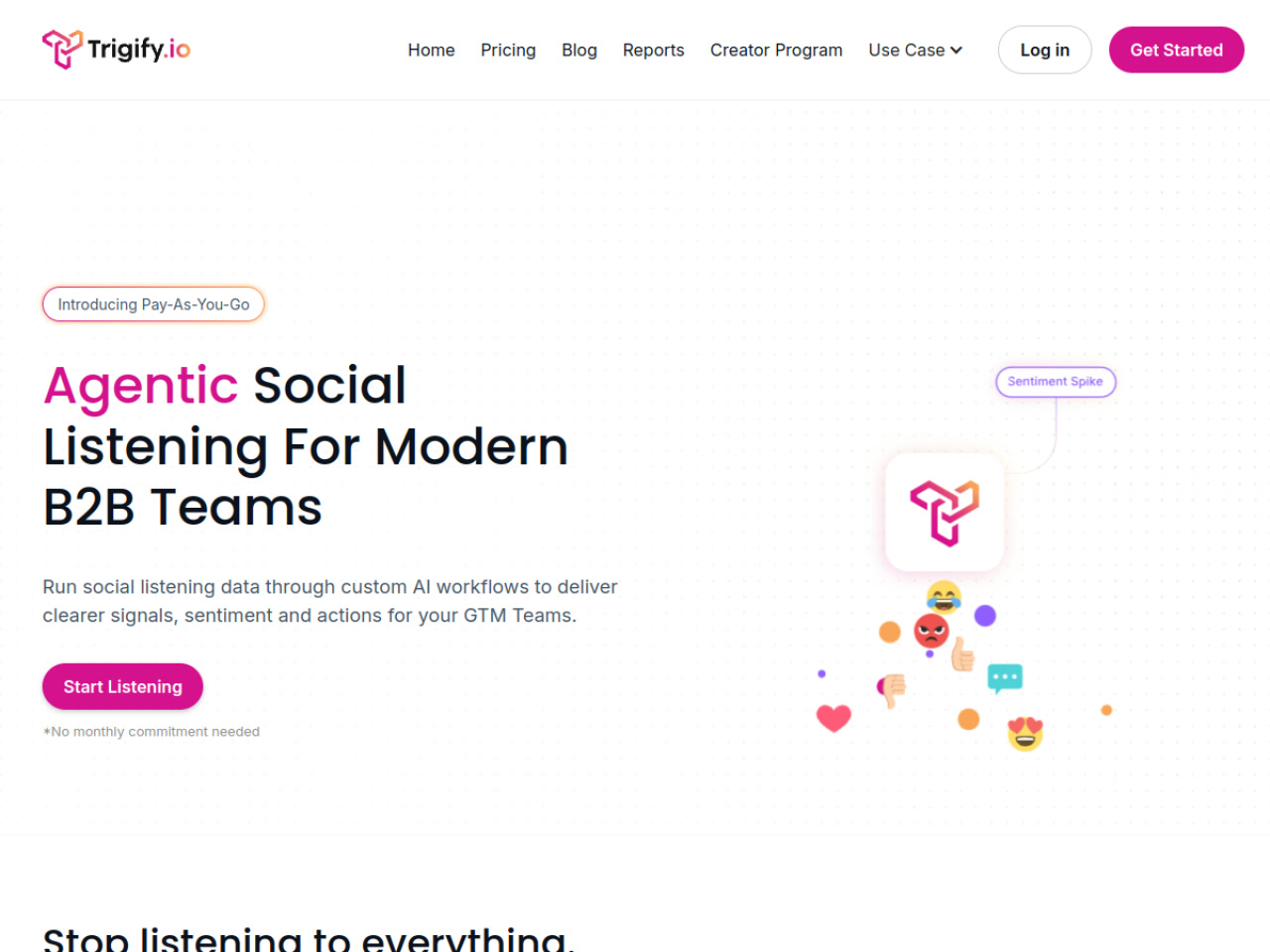
Trigify: AI Social Listening and LinkedIn Signal Intelligence Tool for B2B Sales Teams (2026)
Trigify is a cloud-based AI-powered social listening and signal intelligence platform developed by Trigify that monitors LinkedIn, X (Twitter), Reddit, YouTube, and professional networks for buying signals, competitor mentions, brand sentiment, and targeted conversations — then routes actionable insights directly to GTM teams through automated workflows. Unlike traditional social listening tools designed for PR and brand monitoring, Trigify is built for revenue teams that need to identify warm leads from social signals and automate outreach triggers.
The platform operates on a pay-as-you-go credit model (unique in the social listening space), with AI agent workflows (called "Jarvis Builds") that can process raw signal data and deliver structured intelligence — sentiment analysis, competitor intel, risk detection, social revenue attribution — without requiring manual tagging or monitoring.
Teams that need purely LinkedIn connection request automation or outreach sequencing will need to combine Trigify with a dedicated outreach tool (HeyReach, Dripify, etc.) — Trigify's role is signal identification and workflow routing, not direct LinkedIn messaging.
Trigify: Key Specs at a Glance
| Feature | Trigify |
|---|---|
| Primary use case | B2B social listening + LinkedIn signal intelligence for lead identification |
| Best for | SDRs, revenue ops teams, GTM teams identifying warm leads from social signals |
| Deployment type | Cloud-based (web app) |
| LinkedIn compliance claim | Social listening / monitoring — reads LinkedIn public posts, does not automate connections or messages |
| Daily connection limit | Not applicable — Trigify monitors social signals, does not send LinkedIn connection requests |
| Safety features | Public data monitoring only; no automation of LinkedIn account actions |
| Sales Navigator required | Not required |
| InMail support | No — monitoring tool, not outreach tool |
| Sequence builder | No — workflows route signals to outreach tools, not send messages directly |
| CRM integrations | All integrations available on all plans; custom integrations on Enterprise |
| Email enrichment | Not publicly documented as a primary feature |
| Team features | Yes — 1 workspace (Starter), 3 workspaces (Pro), unlimited + RBAC (Enterprise) |
| API availability | Yes — API access on all plans |
| Pricing model | Pay-as-you-go credit model + subscription tiers |
| Free plan | No — free trial / sign-up available; no permanent free tier |
| Paid plans | Starter: 25 listening searches, 4k credits; Pro: unlimited searches, 40k credits; Enterprise: unlimited searches + credits; Overages: $0.012/credit |
What Trigify Does Well
LinkedIn and Multi-Platform Signal Detection for B2B
Trigify monitors LinkedIn posts, comments, and conversations alongside Reddit, X, and YouTube — making it one of the few social listening tools that explicitly covers professional networks where B2B buying conversations happen. Sales teams can define keywords, topics, or competitor names and receive structured signals when target accounts or ICPs engage with relevant content — surfacing warm leads from public social activity that would otherwise require manual monitoring across platforms.
AI Jarvis Builds — Custom Signal Workflows Without Engineering
Trigify's "Jarvis Builds" allow revenue teams to create custom AI workflows that process raw social mentions through defined logic: filter by ICP criteria, score by sentiment, identify contact details, and route to Slack, CRM, or an outreach tool. On all plans, Jarvis Executions are either free or use the platform's built-in AI (or BYOK on Enterprise). This gives non-technical GTM teams automation-builder capability that previously required engineering resources.
Pay-As-You-Go Credit Model
Trigify's pay-as-you-go approach is unique in social listening — instead of committing to a fixed monthly fee for a tool you may use intermittently, credits can be consumed on demand with overage at $0.012/credit. The Starter tier provides 4,000 credits for initial exploration, and Pro provides 40,000 credits for active GTM teams. This model benefits seasonal campaigns or teams that want to test signal quality before full commitment.
Social Engagement and Outreach Trigger Automation
Trigify includes "Social Actions" and "Social Engagement" features (available on all plans) that allow automated engagement with identified signals — such as liking a LinkedIn post or flagging an account for outreach follow-up in an integrated tool. In practice, Trigify is often used as the signal layer in a Trigify → Clay → HeyReach/Dripify stack, where Trigify identifies warm leads, Clay enriches them, and the outreach tool executes LinkedIn messages.
Known Limitations
- Not a direct LinkedIn outreach tool: Trigify does not send connection requests, LinkedIn messages, or run outreach sequences. Teams using Trigify for lead generation still need a separate outreach tool, adding cost and complexity to the stack.
- Trigify + Clay + HeyReach stack is expensive: Reddit community members specifically note that the Trigify → Clay → outreach stack "can be expensive as hell" — make sure the math works before committing to the full signal-to-outreach infrastructure.
- Limited LinkedIn coverage depth: Some users note that Trigify's LinkedIn monitoring works for public posts and comments, but does not cover private or semi-private LinkedIn content. Niche forums and less-indexed LinkedIn conversations may be missed.
- Credit pricing can escalate: At $0.012/credit for overages, high-signal campaigns processing large volumes of mentions can see unexpected cost spikes. Monitor credit consumption carefully on Pro plans before enabling high-frequency monitoring searches.
- Starter plan has significant limitations: 25 listening searches and 7-day search history on the Starter plan may be insufficient for teams monitoring multiple keywords across multiple platforms simultaneously. Pro plan (unlimited searches, 12-month history) is likely the realistic minimum for active GTM use.
Best For: Who Should Use Trigify
- Revenue ops and GTM teams that want to move from reactive CRM monitoring to proactive signal-based lead identification from social conversations.
- B2B companies with defined ICPs where target buyers actively discuss problems and solutions on LinkedIn, Reddit, or X — Trigify converts those conversations into actionable intelligence without manual monitoring.
- SDRs using intent data who want to prioritize outreach to accounts showing active buying signals (competitor mentions, problem discussions) rather than cold prospecting from static lists.
- Competitive intelligence teams tracking competitor brand mentions, customer sentiment shifts, and market positioning signals across professional networks.
Who Should Look Elsewhere
- Teams that need all-in-one LinkedIn outreach (connection requests + messages + sequences) — Trigify does not offer outreach automation; pair with HeyReach, Dripify, or Salesforge for the full workflow.
- Small teams or solopreneurs without revenue ops capacity to build and maintain Jarvis workflows — Trigify delivers maximum value when integrated into a broader GTM stack, which requires technical configuration.
- Teams that primarily want traditional PR/brand monitoring — Meltwater, Brandwatch, or Sprout Social are better suited for brand sentiment reporting at scale.
LinkedIn Safety and Compliance
Deployment: Cloud-based monitoring — Trigify reads publicly available LinkedIn posts, comments, and conversations. It does not access private LinkedIn data, does not connect to LinkedIn accounts to send messages or connection requests, and does not use browser automation for data collection.
LinkedIn ToS risk: Trigify's social listening activity operates on publicly available data, which presents significantly lower ToS risk than outreach automation tools. However, LinkedIn's terms restrict certain forms of automated data collection — Trigify's specific compliance posture with LinkedIn's data usage policies is not publicly documented. Teams using Trigify in regulated industries should verify data handling with Trigify directly.
Social Actions feature: Trigify includes Social Engagement and Social Actions features (available on all plans) — the exact nature of these automated LinkedIn actions (liking, following, flagging) should be verified with Trigify support to confirm they remain within LinkedIn's acceptable use parameters.
Pricing & Cost at Scale
Plan Overview
- Starter: 25 listening searches, unlimited workflows, 4,000 credits (overages $0.012/credit), 7-day search history, social engagement, 1 workspace, email support
- Pro: Unlimited listening searches, unlimited workflows, 40,000 credits (overages $0.012/credit), 12-month search history, social engagement, 3 workspaces, all integrations, priority + Slack support
- Enterprise: Unlimited everything, all-time search history, custom integrations, RBAC, SSO/SAML, dedicated CSM + SLA
Note: Exact monthly pricing for Starter and Pro plans is not published on the Trigify pricing page as of May 2026. Sign up at trigify.io to see current pricing.
Cost at Scale
Solo SDR or small team: Starter may be adequate for 1–2 monitoring campaigns; Pro unlocks unlimited searches for active GTM programs. Credit overage pricing means actual costs depend on monitoring volume.
Full Trigify → Clay → outreach stack: Reddit users flag that the combined stack "can be expensive as hell" — factor in Trigify plan + Clay subscription + outreach tool costs when evaluating total ROI before committing.
Prices and plan features are subject to change. Check the official pricing page for current details.
Integrations & Workflow Fit
- All integrations: Available on Starter and Pro (full integration list not publicly enumerated; custom integrations added on Enterprise)
- Clay: Commonly used in the Trigify → Clay → HeyReach/Dripify signal-to-outreach stack
- API: API access on all plans for custom workflow building
- Slack: Signal routing to Slack for team notifications
- CRM: CRM push for enriched lead data (specific CRMs not enumerated on pricing page)
- Workflow fit: Best as the signal intelligence layer in a multi-tool GTM stack; not a standalone all-in-one outreach platform
Getting Started
- Sign up at app.trigify.io/sign-up — no monthly commitment required on initial plans.
- Define your listening searches — keywords, competitor names, LinkedIn topic hashtags, or ICP-relevant conversation topics.
- Build a Jarvis workflow to filter raw mentions by ICP criteria and score by signal strength or sentiment.
- Connect Trigify to your outreach tool (HeyReach, Clay, Dripify) to automatically route warm leads identified by Trigify signals.
- Review signal dashboards regularly and iterate on keyword refinement to reduce noise and increase lead quality.
Pro tip: Start with 5–10 highly specific keyword searches rather than broad terms — signal quality decreases rapidly as keyword scope broadens. Specific searches ("struggling with [specific problem your product solves]") surface genuinely warm prospects; generic searches ([industry] + "tool") generate mostly noise.
What Users Are Saying
Trigify has growing community discussion on Reddit, particularly in B2B sales and marketing subreddits. Users are generally positive about signal quality for LinkedIn monitoring but note limitations for niche forums and non-indexed content. The cost of the full signal-to-outreach stack is the most frequently cited concern.
- r/linkedin: Social listening for LinkedIn? (Trigify mentioned)
- r/AskMarketing: Has anyone tried Trigify for social listening?
- r/startups: Anyone used social listening as a growth tactic?
What users praise: LinkedIn-specific signal monitoring capability, Jarvis AI workflow flexibility, pay-as-you-go model for occasional campaigns.
Common frustrations: Limited coverage of non-public LinkedIn content, cost of the full GTM stack, Starter plan limitations requiring upgrade to Pro for active use.
Have you tried Trigify? Share your experience in the review section below.
FAQ
Will Trigify get my LinkedIn account restricted?
Low risk for monitoring — Trigify monitors public LinkedIn content and does not automate connection requests, messages, or account actions through your LinkedIn profile. The Social Actions feature should be verified with Trigify support for compliance specifics. Standard content monitoring does not trigger LinkedIn bans.
Is Trigify free?
No permanent free plan — Trigify offers a sign-up with initial credits to test the platform. Paid plans scale from Starter (25 searches) to Pro (unlimited) to Enterprise. Check trigify.io for current plan pricing.
Does Trigify send LinkedIn messages or connection requests?
No — Trigify is a signal intelligence and social listening tool, not an outreach tool. It identifies warm leads from social conversations but does not send LinkedIn messages. For outreach, integrate Trigify with HeyReach, Dripify, or Salesforge.
What social platforms does Trigify monitor?
LinkedIn, X (Twitter), Reddit, YouTube, and other professional networks. LinkedIn post and comment monitoring is a core feature specifically highlighted for B2B signal detection.
Is LinkedIn data scraping legal with Trigify?
Trigify monitors publicly available social content — it does not scrape LinkedIn private data or bypass authentication. LinkedIn's ToS restricts automated collection of public data, and the legal landscape for public social data collection is evolving. Teams in regulated industries should verify Trigify's data handling practices directly before deployment.
Sources
Reviews
No reviews yetSimilar tools in category

ContentIn
Generate high-quality written content tailored to your needs.

Crystal Knows
A platform that analyzes personality traits to enhance communication and collaboration.

Grammarly
An AI-powered writing assistant that enhances clarity, grammar, and style in your text.