
LeadBerry
Identify and track website visitors to convert them into potential customers.
Leveraging LeadBerry for Effective LinkedIn Prospecting
Overview of LeadBerry
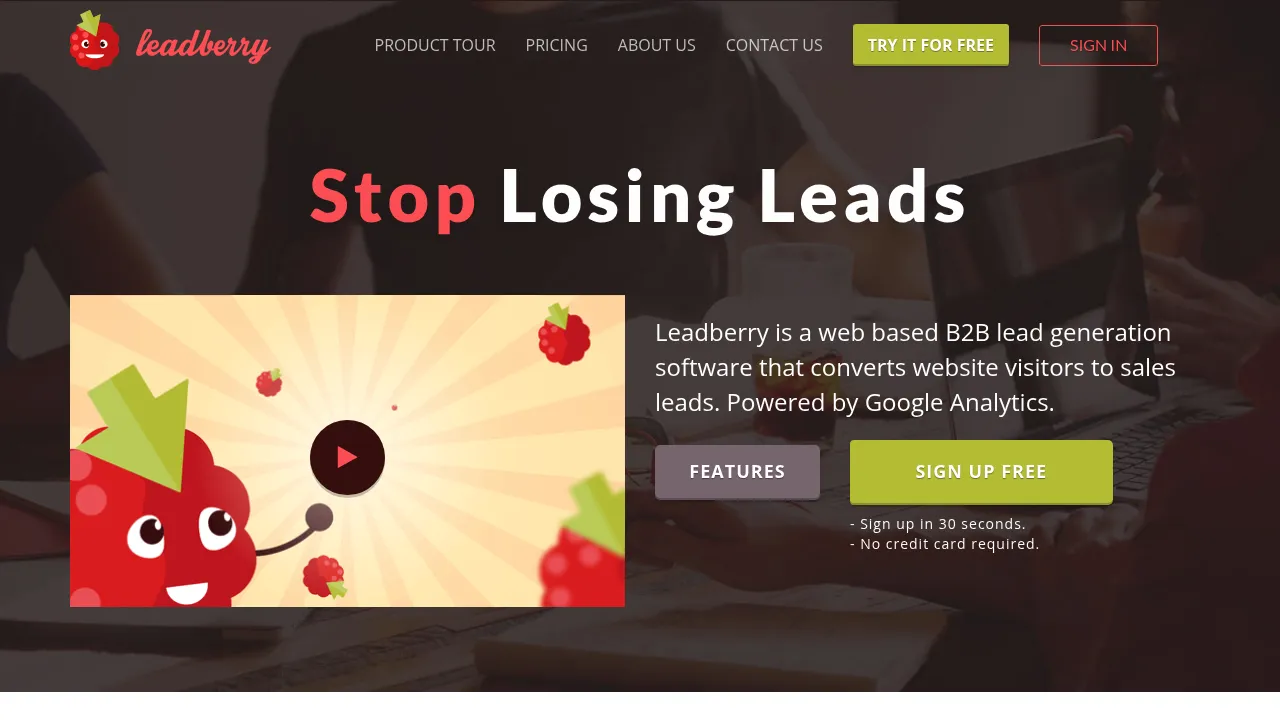
LeadBerry is a powerful B2B lead generation software that helps businesses identify and convert website visitors into quality sales leads. It integrates seamlessly with Google Analytics and provides advanced filtering systems to focus on the right prospects.
Key Benefits and Use Cases
LeadBerry offers several key benefits, including:
- Company Identification: It analyzes website traffic to identify the right companies visiting your site.
- In-Depth Visitor Data: It compiles detailed analytics about the leads, such as pages visited, time spent on the site, and more.
- Real-Time Alerts: Customizable email alerts ensure you stay updated on new leads.
- Robust Filtering System: Advanced filters help you set up custom views and reports based on lead name, pageviews, time on site, visited URLs, campaign parameters, geo-location, and traffic source/medium.
Who Uses LeadBerry
LeadBerry is ideal for:
- Sales Teams: To streamline lead generation and conversion.
- Marketing Teams: To enhance their targeting and engagement strategies.
- Management: To monitor and optimize lead generation efforts.
- Agencies: To offer comprehensive lead generation services to their clients.
What Makes LeadBerry Unique
LeadBerry stands out due to its:
- Direct LinkedIn Integration: It allows you to find common connections within prospect companies, facilitating social selling.
- Similar Leads for Sales Data Enrichment: It shows more alike business prospects based on company industry and location, expanding sales opportunities.
Core Features
Essential Functions Overview
LeadBerry offers the following essential functions:
- Connection Requests: Send personalized connection requests to potential leads.
- Message Sequences: Automate message sequences for consistent outreach.
- Bulk Messages: Send bulk messages to multiple leads efficiently.
- Reports: Generate detailed reports on lead activity and performance.
- Zapier Integration: Integrate with hundreds of tools to sync data seamlessly.
Common Settings Explained
Common settings include:
- Custom Filters: Set up filters based on lead name, pageviews, time on site, visited URLs, campaign parameters, geo-location, and traffic source/medium.
- Custom Reports & Alerts: Customize views and reports according to your preferences and receive email alerts or export data to your favorite sales tool.
Tips & Troubleshooting
Tips for Best Results
To achieve the best results with LeadBerry:
- Optimize Your LinkedIn Profile: Ensure your LinkedIn profile is complete and optimized for visibility.
- Use Relevant Keywords: Use relevant keywords in your messaging to attract the right audience.
- Personalize Your Messages: Tailor your messages to each lead to increase engagement.
- Monitor and Adjust: Continuously monitor your campaigns and adjust your strategies based on performance data.
Troubleshooting Basics
Common issues and their solutions:
- Low Acceptance Rate: Check the relevance of your messages and ensure they are personalized.
- High Bounce Rate: Verify the accuracy of email addresses and avoid sending duplicate messages.
- Technical Issues: Ensure that all integrations are correctly set up and that the tracking snippet is implemented correctly.
Best Practices
Common Mistakes to Avoid
Avoid these common mistakes:
- Sending Spam Messages: Avoid sending generic or spammy messages that can harm your reputation.
- Ignoring Analytics: Don’t ignore analytics data; use it to optimize your campaigns.
- Not Personalizing Messages: Failing to personalize messages can lead to low engagement rates.
Performance Optimization
To optimize performance:
- Regularly Update Your Lists: Regularly update your lists to ensure they remain relevant.
- A/B Testing: Conduct A/B testing to determine which messages or strategies are most effective.
- Continuous Learning: Stay updated with the latest best practices in LinkedIn marketing.
Pros and Cons
Pros
- Efficient Lead Generation: LeadBerry efficiently identifies and converts website visitors into quality sales leads.
- Advanced Filtering System: The robust filtering system helps focus on the right prospects.
- Real-Time Alerts: Customizable email alerts keep you updated on new leads.
- Seamless Integration: Integration with Google Analytics and hundreds of other tools makes data management easy.
Cons
- Dependence on Website Traffic: The effectiveness of LeadBerry depends on the quality and quantity of website traffic.
- Technical Setup: Some users might find the technical setup process complex, especially if they are not tech-savvy.
- Pricing: The pricing might be a concern for some businesses, especially the higher-tier plans.
Summary
LeadBerry is a powerful tool for businesses looking to streamline their lead generation efforts on LinkedIn. Its advanced features, seamless integration, and customizable settings make it an ideal choice for sales, marketing, and management teams. While it offers many benefits, it also has some limitations, such as dependence on website traffic and potential technical complexities. However, with proper usage and optimization, LeadBerry can significantly enhance your LinkedIn prospecting efforts.
Disclaimer: Pricing plans are subject to change and may vary based on the official site. Always check the official pricing page for the most up-to-date information.
Pricing Plans:
- Basic: $24/month (billed annually) or $29/month (billed monthly)
- Pro: $34/month (billed annually) or $39/month (billed monthly)
- Premium: $44/month (billed annually) or $49/month (billed monthly)
Visit LeadBerry's Pricing Page: LeadBerry Pricing
Reviews
No reviews yetSimilar tools in category

VanillaSoft
A platform that streamlines lead management and enhances sales productivity through automated workflows and communication tools.

Sprout Social
Manage and analyze your social media presence to enhance engagement and grow your audience.

AeroLeads
Generate targeted leads with accurate contact information for your business.