
Leadfeeder
Identify and track website visitors to generate actionable insights for your sales and marketing teams.
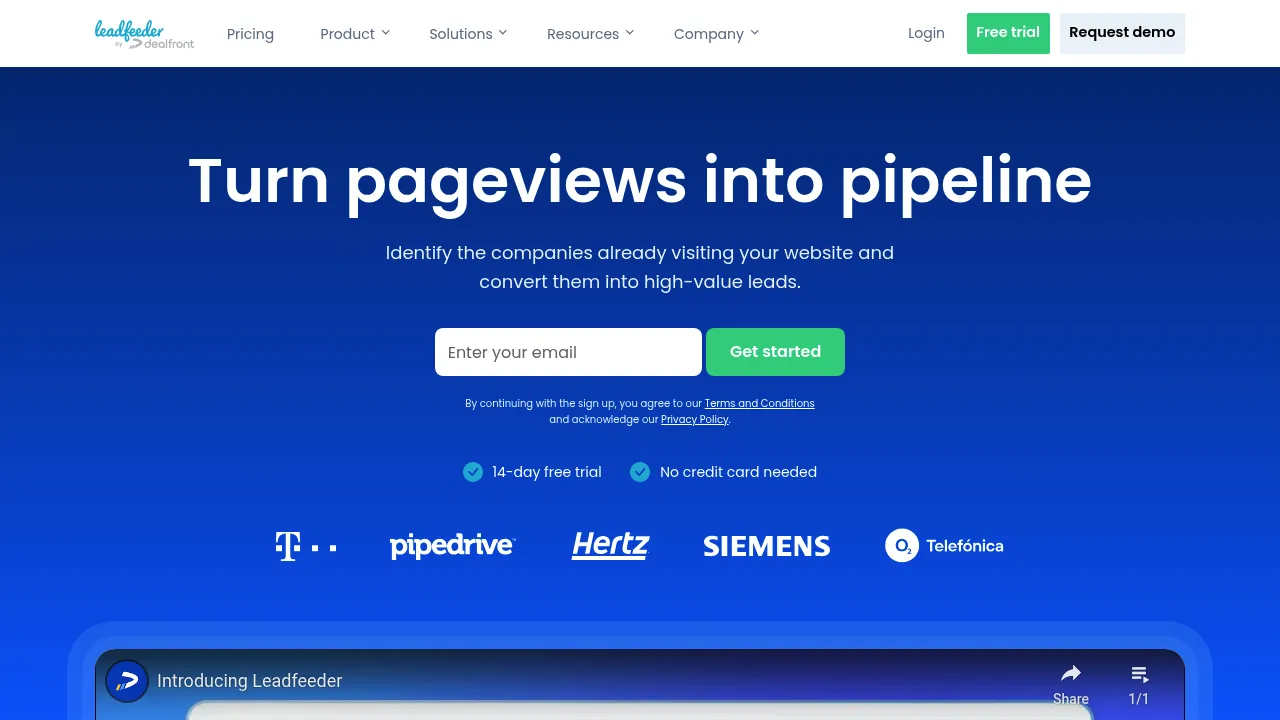
Leadfeeder: A Comprehensive Guide to Leveraging Website Visitor Tracking
Introduction
Overview of Leadfeeder
Leadfeeder is a powerful tool designed to help sales and marketing professionals identify and convert website visitors into qualified leads. It integrates with Google Analytics to show real companies visiting your website, providing valuable insights into your traffic.
Key Benefits and Use Cases
Leadfeeder offers several key benefits:
- Identify Qualified Leads: Discover companies visiting your website and transform this traffic into qualified leads.
- Streamline Follow-Up: Easily research and reach out to prospects using LinkedIn Sales Navigator without leaving the Leadfeeder app.
- Enhanced Sales Intelligence: Integrate with CRM and email marketing tools to increase your sales intelligence.
Who Uses Leadfeeder
Leadfeeder is primarily used by:
- Sales Teams: To identify and engage with potential customers.
- Marketing Teams: To understand website traffic and convert visitors into leads.
- Business Owners: To gain insights into their website visitors and optimize their marketing strategies.
What Makes Leadfeeder Unique
Leadfeeder stands out due to its ability to:
- Automate Lead Generation: By integrating with LinkedIn Sales Navigator, it automates the process of finding and engaging with potential leads.
- Provide Detailed Insights: Offers comprehensive data on company visitors, including their recent activities on LinkedIn.
Core Features
Essential Functions Overview
Leadfeeder's core features include:
- Company Identification: Identify companies visiting your website.
- Lead Qualification: Qualify leads based on their engagement with your site.
- Contact Information: Access contact information for key stakeholders at visiting companies.
- Integration with CRM: Sync leads with your CRM for seamless follow-up.
Common Settings Explained
- Custom Feeds: Create custom feeds based on specific criteria like visitor engagement or marketing campaign type.
- Email Notifications: Set up email notifications for new leads and automate follow-up processes.
- Integration with LinkedIn Sales Navigator: Use LinkedIn Sales Navigator to research and reach out to prospects directly from Leadfeeder.
Tips & Troubleshooting
Tips for Best Results
- Optimize Google Analytics: Ensure your Google Analytics is set up correctly to get accurate data.
- Use Custom Feeds: Create custom feeds to filter out irrelevant companies and focus on high-potential leads.
- Engage with Visitors: Reach out to visitors promptly to maximize the chances of converting them into leads.
Troubleshooting Basics
- Check Data Accuracy: Verify the accuracy of the data by cross-checking with other tools.
- Clear Filters: Regularly clear filters to ensure you're not missing any potential leads.
- Contact Information: Ensure you have the most up-to-date contact information for key stakeholders.
Best Practices
Common Mistakes to Avoid
- Ignoring Low-Engagement Leads: Don't ignore leads with low engagement; they might still be valuable.
- Not Following Up: Failing to follow up promptly can lead to missed opportunities.
- Inconsistent Messaging: Ensure consistent messaging across all follow-up communications.
Performance Optimization
- Regularly Review Data: Regularly review your data to identify trends and optimize your strategy.
- Use Automation Tools: Leverage automation tools like LinMailPro to personalize and streamline your messaging.
- Stay Updated with LinkedIn Changes: Keep up with LinkedIn's updates and features to maximize the integration with Leadfeeder.
Pros and Cons
Pros
- Enhanced Sales Intelligence: Provides detailed insights into website visitors.
- Efficient Outreach: Allows for quick outreach to prospects using LinkedIn Sales Navigator.
- Automated Lead Generation: Automates the process of finding and engaging with potential leads.
- Integration with CRM: Seamless integration with CRM tools for follow-up.
Cons
- Dependence on Google Analytics: Requires accurate Google Analytics data for optimal performance.
- Limited Free Version: The free version may have limitations in terms of features and data access.
- Pricing: May be expensive for small businesses or solo users.
Summary
Leadfeeder is a powerful tool designed to help businesses identify and convert website visitors into qualified leads. Its integration with LinkedIn Sales Navigator and Google Analytics makes it an essential tool for sales and marketing teams. By following the best practices outlined in this article, you can maximize the benefits of using Leadfeeder and streamline your lead generation process.
Pricing Plans
Leadfeeder offers various pricing plans, which can be found on their official website. Please note that pricing might be changed, and it is always best to check the official site for the most current information.
- Starter: $59/month (billed annually)
- Growth: $99/month (billed annually)
- Pro: $199/month (billed annually)
- Enterprise: Custom pricing for large businesses
For more information, visit the Leadfeeder Pricing Page.
Disclaimer: Pricing plans are subject to change, and it is always best to check the official site for the most current information.
Reviews
No reviews yetSimilar tools in category
VanillaSoft
A platform that streamlines lead management and enhances sales productivity through automated workflows and communication tools.

Sprout Social
Manage and analyze your social media presence to enhance engagement and grow your audience.

AeroLeads
Generate targeted leads with accurate contact information for your business.