PerfectPost
PerfectPost is a LinkedIn content workflow tool that combines post scheduling, custom feeds, comment follow-up, and analytics in a browser extension.
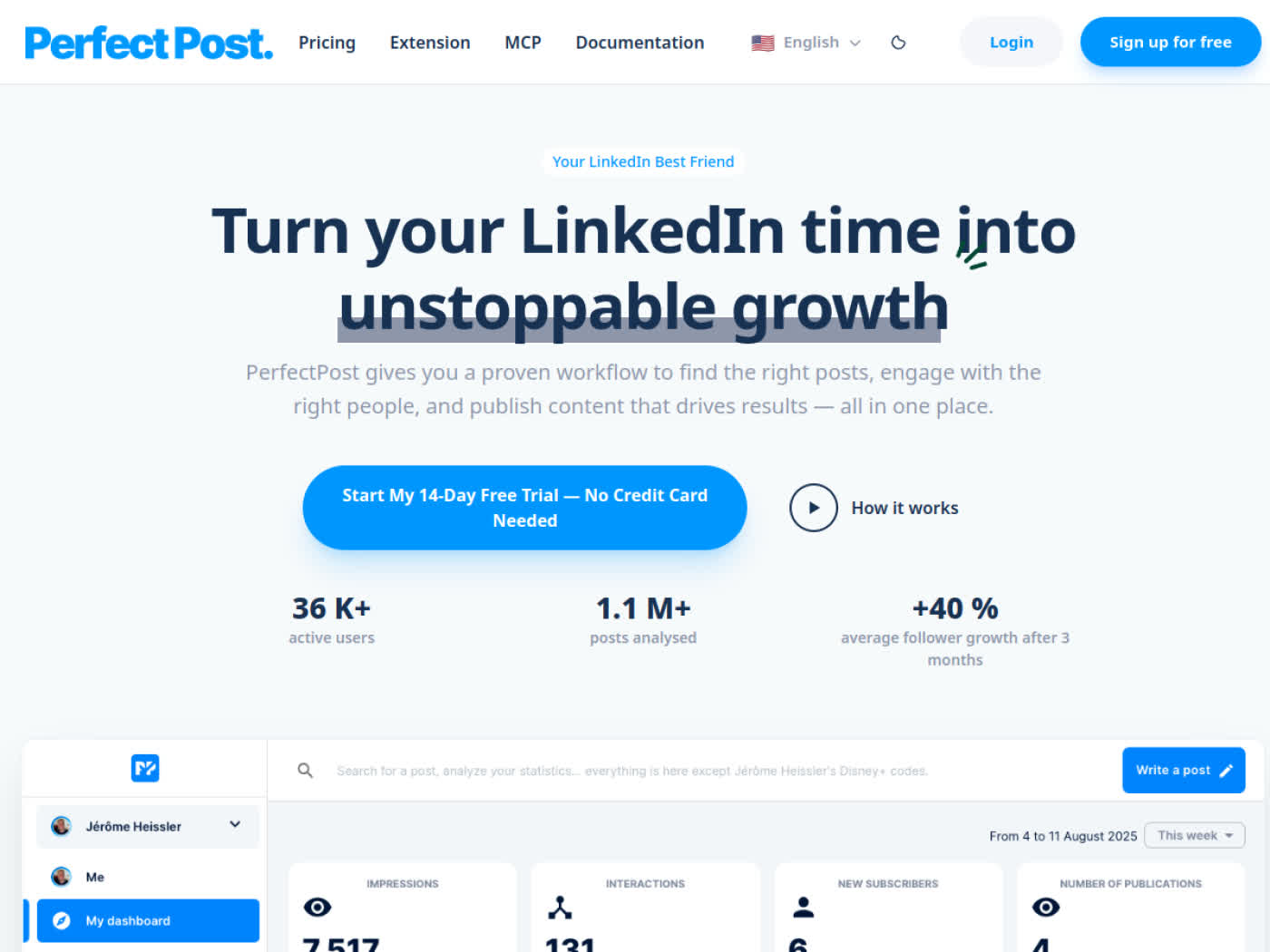
PerfectPost: LinkedIn Post Scheduler for Creators and Personal Branding (2026)
PerfectPost is a browser extension-based LinkedIn post scheduler and analytics workspace built by PerfectPost for creators, founders, consultants, and B2B marketers who spend most of their distribution time inside LinkedIn itself. Its main differentiator is that drafting, formatting, scheduling, custom feeds, commenter tracking, and post analytics all sit directly in the LinkedIn interface instead of in a separate social dashboard. It is a better fit for solo operators and small teams than for enterprise social teams. If you need a multichannel scheduler, formal approvals, or a tool with published LinkedIn compliance claims, PerfectPost is not the safest or most complete choice.
PerfectPost: Key Specs at a Glance
| Category | Details |
|---|---|
| Primary use case | LinkedIn content planning, scheduling, feed curation, and performance tracking |
| Best for | Creators, consultants, founders, freelancers, and B2B marketers building an organic LinkedIn presence |
| Deployment type | Browser extension layered on top of LinkedIn |
| LinkedIn access model | Works inside the LinkedIn UI rather than through exported reports |
| Compliance claim | Not publicly documented on the official site |
| Safety features | Not publicly documented beyond standard in-browser workflow |
| Analytics | Post analytics, daily tips, top commenter insights, unreplied comment tracking, export analytics on paid plan |
| Integrations | Canva, Notion, Google Calendar, ChatGPT, Claude via MCP |
| Team features | Not prominently documented |
| API availability | Not publicly documented |
| Pricing | Free plan plus Premium at $19/month or $168/year |
| Official pricing proof | Home page pricing block updated in 2026 |
What PerfectPost Does Well
- Keeps the workflow inside LinkedIn: The extension adds drafting, formatting, scheduling, commenter tracking, and focused feeds without sending you to a separate social media dashboard.
- Better fit for organic operators than generic schedulers: Custom feeds, top commenter insights, and unreplied comment tracking are designed around relationship-building on LinkedIn rather than broad social publishing.
- Low entry price for a specialist tool: The free plan is usable for light testing, while Premium is inexpensive compared with heavier LinkedIn content suites.
- Useful creator stack integrations: The official site explicitly references Canva, Notion, ChatGPT, Google Calendar, and a Claude MCP workflow.
LinkedIn Compliance and Account Safety
PerfectPost appears lower risk than aggressive outreach bots because it focuses on drafting, scheduling, analytics, and comment follow-up rather than connection automation or scraping. That said, it is still a browser extension working directly inside LinkedIn, and the official site does not publish a clear LinkedIn Terms of Service compliance statement, audit trail, or safety-limit framework. For risk-sensitive teams, that matters. If your brand cannot tolerate any chance of extension-related account friction, native LinkedIn scheduling and export-based analytics tools are safer operationally.
Pricing and Value
The official pricing section shows a Free plan at $0 forever with daily tips, unlimited draft saving, post preview, up to 5 scheduled posts, 1 month of analytics history, and 1 custom feed. The paid plan is Premium at $19/month, with an annual option shown at $168/year. Premium adds unlimited post scheduling, full analytics, unlimited custom feeds, the writing assistant, top commenter insights, unreplied comment tracking, and analytics export.
For a solo LinkedIn creator, the value is straightforward: the paid tier is cheap enough if you publish consistently and care about feed curation plus comment follow-up. For a company managing multiple people, the economics are less clear because public team-seat controls and governance features are not clearly documented.
Limitations
- No public compliance language: The official site does not document a specific LinkedIn ToS posture, safety model, or account-protection framework.
- Extension dependency: Because the product works in-browser on top of LinkedIn, it is inherently more exposed to UI changes than an export-based analytics platform.
- Light team story: Public-facing pages emphasize solo creators and operators more than approvals, permissions, or enterprise collaboration workflows.
- Free plan is intentionally narrow: Five scheduled posts, one month of analytics history, and one custom feed are enough for evaluation but not for serious weekly publishing.
- Not a full social suite: PerfectPost is built for LinkedIn-first work, so buyers needing multi-network planning, social inboxes, or agency reporting will outgrow it.
When PerfectPost Fits Best
PerfectPost is best for operators whose main growth channel is personal or founder-led LinkedIn content. It is especially useful when the workflow is simple: capture ideas, publish consistently, notice which posts attract the right commenters, and reply quickly. The tool is less compelling if your process already lives in a broader social stack or if your legal/compliance team dislikes browser-dependent LinkedIn tooling.
Sources
FAQ
Does PerfectPost have a free plan?
Yes. PerfectPost offers a free tier with limited scheduling, one month of analytics history, and one custom feed.
Is PerfectPost safe for LinkedIn?
No absolute guarantee. It looks safer than outreach automation because it focuses on content workflow, but it is still a browser extension and the site does not publish a formal LinkedIn compliance statement.
What makes PerfectPost different from generic schedulers?
It keeps the workflow inside LinkedIn and adds focused features such as custom feeds, top commenter insights, unreplied comment tracking, and in-context formatting tools.
Who should not choose PerfectPost?
Teams that need multichannel publishing, formal approval workflows, enterprise governance, or a published compliance position should look elsewhere.
Reviews
No reviews yetSimilar tools in category
VanillaSoft
A platform that streamlines lead management and enhances sales productivity through automated workflows and communication tools.

Sprout Social
Manage and analyze your social media presence to enhance engagement and grow your audience.

AeroLeads
Generate targeted leads with accurate contact information for your business.