
LeadConnect
Effortlessly engage and convert leads through automated outreach and personalized follow-ups.
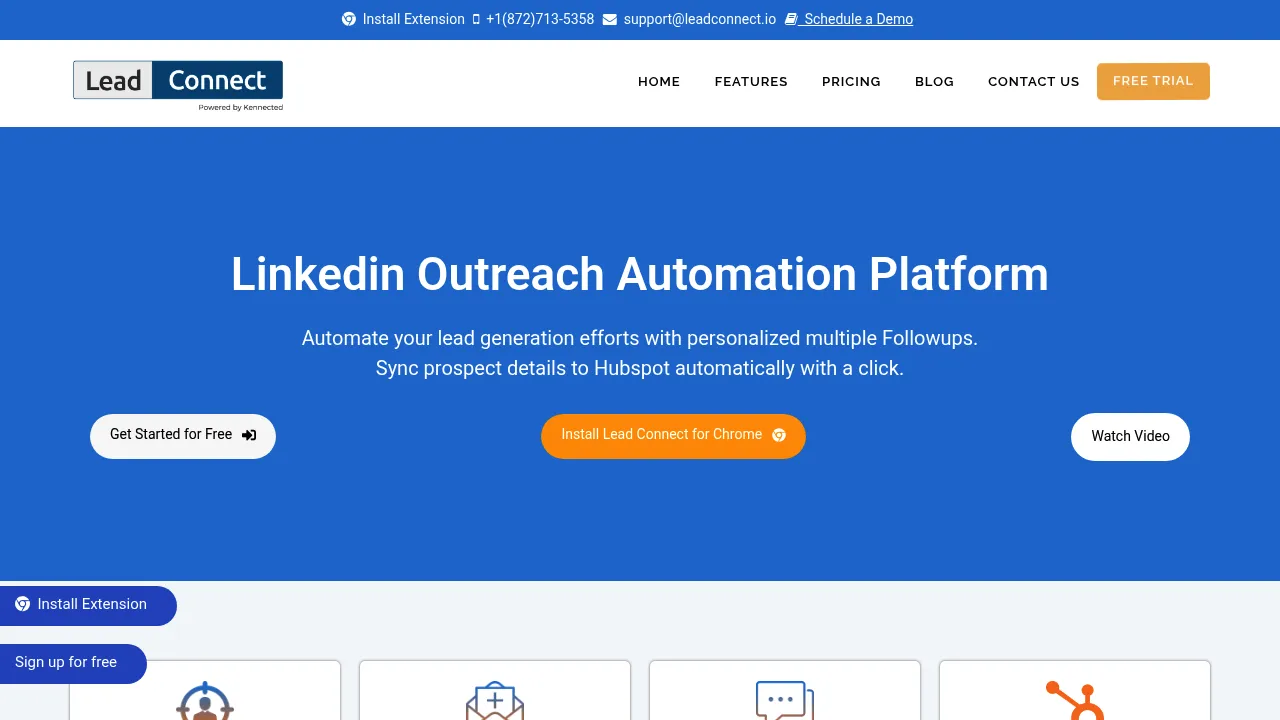
LeadConnect: Revolutionizing LinkedIn Automation for Lead Generation
Introduction
Overview of LeadConnect
LeadConnect is a cutting-edge LinkedIn automation platform designed to revolutionize your lead generation efforts. It acts as your virtual assistant, automating outbound efforts and saving you valuable time and resources.
Key Benefits and Use Cases
LeadConnect offers several key benefits, including:
- Personalized Followups: Automate personalized messages to connect with prospects and follow up with those who have connected but haven’t responded.
- Define Your Audience: Use LinkedIn search or CSV uploads to define your target audience and ensure you reach the right people.
- Seamless HubSpot Integration: Sync prospect details to HubSpot effortlessly for efficient lead nurturing and management.
- Time-Saving Automation: Automate your LinkedIn outreach to save hours of time and effort, letting you focus on other essential tasks.
Who Uses
LeadConnect is ideal for business teams and IT professionals looking to streamline their lead generation processes. It is particularly useful for those who need to manage multiple LinkedIn connections and follow-ups efficiently.
What Makes LeadConnect Unique
LeadConnect stands out due to its:
- AI-Powered Sales Engagement: Utilizes AI to enhance sales engagement and response handling.
- Multi-Channel Sequences: Allows for multi-channel sequences to engage prospects more effectively.
- Intelligent Response Handling: Automatically handles responses to increase engagement and conversion rates.
- Seamless CRM Integration: Integrates seamlessly with CRM systems like HubSpot for efficient lead management.
Pricing Plans
LeadConnect offers the following pricing plans, which are subject to change. Please visit their official site for the most up-to-date pricing information.
- FREE FOREVER: $0/month
- PROFESSIONAL: $22.95/month (Billed Monthly) | $25.95/month (Billed Quarterly)
- GROW: $40.95/month (Billed Monthly) | $45.95/month (Billed Quarterly)
- ULTIMATE: $77.95/month (Billed Monthly) | $85.95/month (Billed Quarterly)
Disclaimer: Pricing might be changed, so always check the official site for the latest information.
Core Features
Essential Functions Overview
LeadConnect’s core features include:
- Automated Personalized Invitations: Send personalized invitations to connect with prospects.
- Automated Follow-Up Messages: Send up to 6 automated follow-up messages to increase engagement.
- Target Audience Definition: Use LinkedIn search or CSV uploads to define your target audience.
- Seamless HubSpot Integration: Sync prospect details to HubSpot for efficient lead nurturing and management.
Common Settings Explained
To get the most out of LeadConnect, you need to set up your automation correctly. Here are some common settings:
- Define Your Search Query: Use LinkedIn search or CSV uploads to define your target audience.
- Set Up Automated Messages: Create personalized messages with placeholders and set up automated follow-up messages.
- Sync with HubSpot: Sync prospect details to HubSpot for efficient lead management.
Tips & Troubleshooting
Tips for Best Results
To achieve the best results with LeadConnect, follow these tips:
- Use Specific Search Queries: Ensure your search queries are specific to reach the right audience.
- Personalize Your Messages: Use placeholders in your messages to personalize them for each prospect.
- Monitor Engagement: Regularly monitor engagement rates and adjust your strategy accordingly.
Troubleshooting Basics
Common issues with LeadConnect include:
- Automation Limitations: Be aware of the automation limitations and adjust your strategy accordingly.
- Data Privacy Concerns: Ensure you comply with LinkedIn’s data privacy policies to avoid any issues.
Best Practices
Common Mistakes to Avoid
Avoid these common mistakes when using LeadConnect:
- Over-Automation: Avoid over-automating your messages, as it can lead to low engagement rates.
- Insufficient Personalization: Ensure your messages are personalized to avoid being spammy.
Performance Optimization
To optimize your performance with LeadConnect:
- Regularly Review Engagement Rates: Regularly review engagement rates and adjust your strategy.
- Use A/B Testing: Use A/B testing to optimize your message templates and improve engagement rates.
Pros and Cons
Pros
LeadConnect offers several advantages:
- Time-Saving Automation: Automates your LinkedIn outreach, saving you hours of time and effort.
- Seamless Integration: Integrates seamlessly with CRM systems like HubSpot.
- Personalized Messages: Allows for personalized messages to connect with prospects.
- Efficient Follow-Ups: Automates follow-up messages to increase engagement.
Cons
LeadConnect also has some limitations:
- Automation Limitations: Has limitations on the number of automated messages you can send.
- Cost Considerations: The higher plans can be expensive, especially for small businesses.
- Data Privacy Concerns: Requires compliance with LinkedIn’s data privacy policies.
Summary
LeadConnect is a powerful tool for automating LinkedIn outreach and lead generation. Its AI-powered sales engagement, multi-channel sequences, and seamless CRM integration make it an indispensable tool for business teams and IT professionals. While it offers several advantages, it also has some limitations, such as automation limitations and cost considerations. Always check the official site for the latest pricing information and ensure compliance with LinkedIn’s data privacy policies.
Reviews
No reviews yetSimilar tools in category

VanillaSoft
A platform that streamlines lead management and enhances sales productivity through automated workflows and communication tools.

Hyperise
Personalize your marketing campaigns with dynamic images tailored to each recipient.

Sprout Social
Manage and analyze your social media presence to enhance engagement and grow your audience.