
LeadDelta
Effortlessly manage and organize your professional connections to enhance networking opportunities.
Mastering LeadDelta: Your Ultimate LinkedIn CRM Tool
Introduction
Overview of LeadDelta
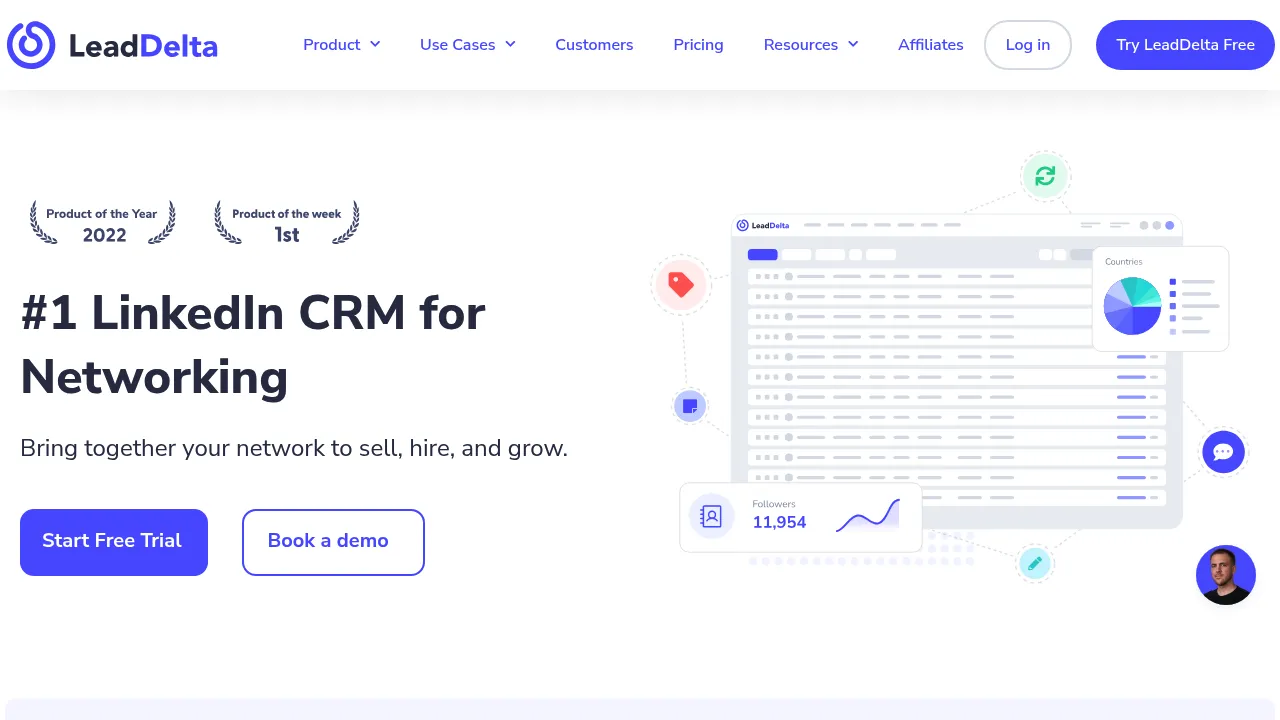
LeadDelta is a powerful LinkedIn CRM tool designed to help professionals manage and engage their network more effectively. It centralizes all your LinkedIn contacts in a lightweight CRM view, allowing you to organize your inbox, filter, sort, and tag your connections, and send personalized messages at scale.
Key Benefits and Use Cases
LeadDelta is ideal for B2B professionals and teams looking to leverage their LinkedIn network for lead generation, relationship management, and business growth. Its key benefits include:
- Centralized CRM: Manage all your LinkedIn contacts in one place.
- Personalized Messaging: Send tailored messages to your connections.
- Data Management: Filter, sort, and tag your connections for better organization.
- Lead Generation: Utilize features like email scrapers, scheduled alerts, and lead source tracking to capture and nurture leads.
- Integration: Seamlessly integrate with LinkedIn and Gmail for enhanced functionality.
Who Uses LeadDelta
LeadDelta is used by SMEs and B2B teams. Its user-friendly interface and robust features make it a go-to tool for professionals looking to streamline their LinkedIn activities.
What Makes LeadDelta Unique
LeadDelta stands out due to its secure native network requests, unlimited cloud storage, and comprehensive feature set designed specifically for LinkedIn users. It ensures that your account remains in perfect standing by adhering to LinkedIn's guidelines.
Core Features
Essential Functions Overview
LeadDelta offers a range of essential functions that make it a must-have for LinkedIn users:
- Email Scrapper: Extract email addresses from LinkedIn profiles.
- Scheduled Alerts: Set reminders for important events or follow-ups.
- Lead Source Tracking: Monitor where your leads are coming from.
- Visitor Insight: Gain insights into visitor behavior on your profile.
- Lead Segmentation: Segment your leads based on various criteria.
- Technology Tracking: Keep track of the technology used by your connections.
- Lead Database: Manage a comprehensive database of your leads.
- Lead Capture: Capture new leads efficiently.
- Reports: Generate reports to analyze your performance.
- Contact Import-Export: Easily import and export contacts.
Common Settings Explained
To get the most out of LeadDelta, you need to understand some common settings:
- CRM List-View: View your connections in a centralized CRM list.
- Add/Manage Tags & Notes: Tag and note your connections for better organization.
- Filter, Sort & Search: Filter, sort, and search your connections to find specific information quickly.
- Hide or Disconnect Connections: Hide or disconnect connections that are no longer relevant.
- Sync Your Latest Connections: Keep your connections up-to-date by syncing them regularly.
- Auto Update Data (Email & Phone): Automatically update email and phone numbers of your connections.
- View & Export Data (.CSV): View and export data in CSV format for further analysis.
Tips & Troubleshooting
Tips for Best Results
To achieve the best results with LeadDelta, follow these tips:
- Regularly Update Your CRM: Ensure that your CRM is always up-to-date with the latest information.
- Use Message Templates: Use message templates to send personalized messages efficiently.
- Segment Your Leads: Segment your leads to focus on the most promising ones.
- Utilize Scheduled Alerts: Use scheduled alerts to stay on top of important events and follow-ups.
Troubleshooting Basics
Common issues with LeadDelta include:
- Connection Errors: If you encounter connection errors, try restarting the app or checking your internet connection.
- Data Sync Issues: If data sync issues occur, ensure that you have the latest version of the software and that your internet connection is stable.
- Message Delivery Issues: If messages are not being delivered, check your email settings and ensure that the recipient’s email address is correct.
Best Practices
Common Mistakes to Avoid
To optimize your use of LeadDelta, avoid these common mistakes:
- Over-Tagging: Avoid over-tagging your connections, as this can lead to cluttered profiles.
- Ignoring Scheduled Alerts: Don’t ignore scheduled alerts, as they are crucial for staying on top of important events.
- Not Regularly Updating Your CRM: Failing to regularly update your CRM can lead to outdated information.
Performance Optimization
To optimize performance:
- Regularly Clean Up Your CRM: Regularly clean up your CRM by removing unnecessary tags and connections.
- Use the Right Integrations: Use the right integrations with LinkedIn and Gmail to streamline your workflow.
Pros and Cons
Pros
LeadDelta offers several advantages:
- Centralized CRM: A centralized CRM view makes it easy to manage all your LinkedIn contacts.
- Personalized Messaging: Send personalized messages at scale, increasing engagement.
- Comprehensive Features: Offers a wide range of features designed specifically for LinkedIn users.
- Secure Integration: Uses native network requests for secure integration with LinkedIn and Gmail.
- Unlimited Cloud Storage: Provides unlimited cloud storage for all your data.
Cons
While LeadDelta is a powerful tool, it has some limitations:
- No Free Version: There is no free version available, although a 7-day free trial is offered.
- Limited Customization: The tool does not offer customization options, which might be a drawback for some users.
Summary
LeadDelta is a robust LinkedIn CRM tool designed to help professionals manage and engage their network more effectively. With its centralized CRM, personalized messaging, and comprehensive feature set, it is an essential tool for any B2B professional or team. While it lacks a free version and customization options, its benefits far outweigh its limitations. For more information on pricing plans, visit the official pricing page.
Disclaimer: Pricing might be changed, so always check the official website for the latest information.
Pricing Plans
LeadDelta offers the following pricing plans:
- Individual Plan: $34 per month (or $22 per month if paid annually).
- Workspaces Plan: $55 per month per user (minimum 2 team members billed yearly).
For more detailed information on pricing plans, visit the official pricing page.
Similar tools in category

VanillaSoft
A platform that streamlines lead management and enhances sales productivity through automated workflows and communication tools.

Hyperise
Personalize your marketing campaigns with dynamic images tailored to each recipient.

Sprout Social
Manage and analyze your social media presence to enhance engagement and grow your audience.