
Canva
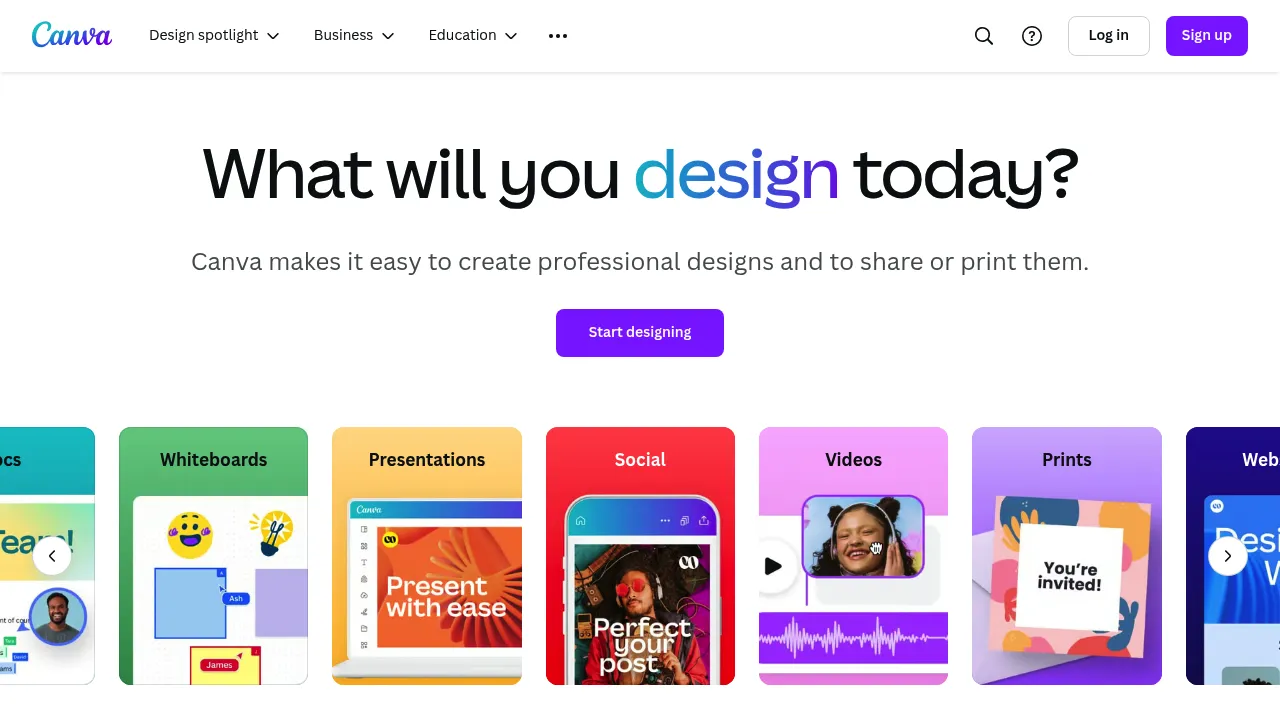
Design stunning graphics effortlessly with customizable templates.
Creating Engaging LinkedIn Content with Canva
Introduction
- Overview of Canva: Canva is a powerful graphic design platform that offers a wide range of tools for creating professional content, including LinkedIn posts and banners.
- Key Benefits and Use Cases: Canva helps users create visually appealing and engaging content quickly, making it ideal for businesses and professionals looking to enhance their LinkedIn presence.
- Who Uses: Canva is used by individuals and businesses of all sizes, from small startups to large corporations, to create various types of digital content.
- What Makes Canva Unique: Canva stands out due to its user-friendly interface, extensive template library, and affordable pricing plans.
- Pricing Plans:
- Free Plan: $0 (includes basic features and templates)
- Pro Plan: $12.95/month (includes premium features like unlimited photos, Brand Kit, and Background Remover)
- Enterprise Plan: Custom pricing for large teams and organizations (includes advanced features and dedicated support) View Pricing Plans Disclaimer: Pricing might be changed, so always check the official site for the latest information.
Core Features
-
Essential Functions Overview:
- Design Tools: Canva offers a variety of design tools, including text, shapes, images, and more.
- Template Library: Canva has a vast library of customizable templates for LinkedIn posts and banners.
- Media Library: Users can access a vast collection of free and premium images, videos, and other media.
- Collaboration Tools: Canva allows real-time collaboration, making it easy to work with team members.
-
Common Settings Explained:
- Customization Options: Users can personalize their designs with various fonts, colors, and layouts.
- Upload Media: Users can upload their own images, videos, and other media to use in their designs.
- Social Media Integration: Canva integrates seamlessly with social media platforms like LinkedIn, making it easy to publish content directly.
Tips & Troubleshooting
-
Tips for Best Results:
- Use High-Quality Images: High-quality images can make your content stand out.
- Keep it Simple: Avoid cluttering your design with too much text or imagery.
- Test Different Templates: Try out different templates to find the one that best fits your brand.
-
Troubleshooting Basics:
- Connection Issues: If you encounter connection issues, check your internet connection or try clearing your browser cache.
- Design Problems: If you're having trouble with your design, refer to Canva's extensive tutorial library or contact customer support.
Best Practices
-
Common Mistakes to Avoid:
- Over-Designing: Avoid over-designing your content; sometimes less is more.
- Ignoring Brand Guidelines: Ensure that your content aligns with your brand guidelines to maintain consistency.
-
Performance Optimization:
- Optimize for Mobile: Ensure that your content looks good on both desktop and mobile devices.
- Use Clear Text: Use clear, readable text to avoid confusion.
Pros and Cons
-
Pros:
- User-Friendly Interface: Canva is easy to use, even for those without design experience.
- Affordable Pricing: Canva offers competitive pricing plans that fit various budgets.
- Extensive Template Library: The vast template library saves time and effort in creating content.
-
Cons:
- Limited Advanced Features in Free Plan: The free plan has limited advanced features.
- Dependence on Internet Connection: Canva requires a stable internet connection to function properly.
Summary
Canva is a powerful tool for creating engaging LinkedIn content. Its user-friendly interface, extensive template library, and affordable pricing plans make it an ideal choice for businesses and professionals. By following the tips and best practices outlined above, users can maximize their use of Canva and create professional-looking content that enhances their LinkedIn presence. Always check the official site for the latest pricing information, as it may change.
Reviews
No reviews yetSimilar tools in category

ContentIn
Generate high-quality written content tailored to your needs.

BuzzSumo
Analyze content performance and discover trending topics to enhance your marketing strategy.
Grammarly
An AI-powered writing assistant that enhances clarity, grammar, and style in your text.