
LeadMine
LeadMine helps sales teams find business emails from LinkedIn research and Sales Navigator workflows with a web app plus Chrome extension.
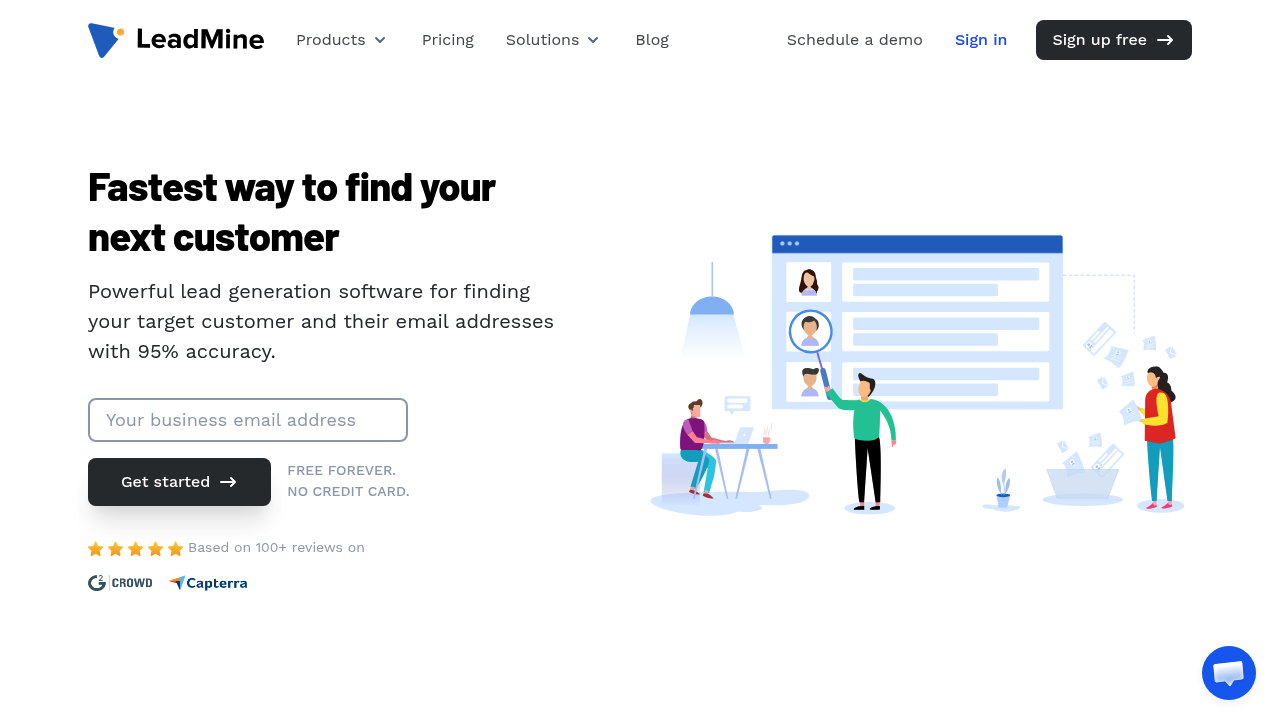
LeadMine: LinkedIn Lead Generation Tool for Email Discovery and Sales Navigator Exports (2026)
LeadMine is a browser-based prospecting platform from LeadMine Technologies Private Limited that combines a B2B contact database, email lookup, verification, CSV export, and a Chrome extension with LinkedIn-focused workflows. It fits SDRs, founders, recruiters, and small sales teams that need to move from LinkedIn profiles or Sales Navigator searches into verified business emails without paying enterprise-database prices. It is less suitable for teams that want built-in multichannel sequencing, native CRM depth, or a low-risk LinkedIn workflow, because LeadMine's LinkedIn use case depends on a browser extension and the company does not publish a clear compliance policy for LinkedIn Terms of Service.
LeadMine: Key Specs at a Glance
| Category | Details |
|---|---|
| Primary use case | Find business emails and export prospect data from LinkedIn profiles or Sales Navigator research |
| Deployment type | Web app plus Chrome extension |
| LinkedIn workflow | Official resources describe a LinkedIn Email Finder and a Sales Navigator export workflow |
| Core products | Lead Finder, Email Lookup, Email Verifier, Chrome Extension, CSV Export |
| Free access | Free plan with 10 credits per month and no credit card required |
| Paid pricing | Basic: $29/month for 250 credits; Essential: $99/month for 1,000 credits; custom package offered above 1,000 credits |
| Free trial | 14-day free trial mentioned on official pages |
| Best fit | Budget-conscious outbound teams that already prospect in LinkedIn and mainly need contact discovery plus verification |
What LeadMine Actually Does Well
LeadMine's strongest angle is cost-efficient enrichment after you already know who you want to contact. The official site positions the product around verified business email discovery rather than full outbound automation, which makes it more focused than all-in-one LinkedIn sequencers. Its LinkedIn-specific value comes from two published resources: a dedicated LinkedIn Email Finder page and a how-to page for exporting leads from Sales Navigator. That matters because the tool is not just a generic contact database with a stray LinkedIn mention; LinkedIn prospecting is part of the documented workflow.
For a solo SDR or founder, the practical appeal is simple: research prospects in LinkedIn, use the extension or search tools to uncover work emails, verify deliverability, and export the list for outreach elsewhere. That makes LeadMine closer to a LinkedIn data-sourcing layer than a complete outreach stack.
LinkedIn Compliance and Account Safety
No absolute guarantee. LeadMine publicly documents LinkedIn-related use cases, but the official site does not publish a detailed compliance statement, daily LinkedIn activity limits, or an explicit claim that the product is fully aligned with LinkedIn Terms of Service. Because its LinkedIn workflow relies on a Chrome extension and profile-level data extraction, users should treat it as higher risk than tools that avoid direct browser-side LinkedIn actions.
That risk does not automatically make LeadMine unusable. It does mean conservative teams should limit usage to targeted research, avoid aggressive scraping patterns, and understand that the official documentation emphasizes lead capture and export rather than account-safety controls. If your company has a strict legal or compliance standard for LinkedIn enrichment, LeadMine may require extra internal review before rollout.
Pricing and Cost Fit
LeadMine's pricing is one of its clearest strengths. The official pricing page advertises a free tier with 10 credits per month, then a Basic plan at $29 per month for 250 credits and an Essential plan at $99 per month for 1,000 credits. The same page also references custom packages for teams needing more than 1,000 credits. That structure makes it relatively easy to test before committing to a heavier outbound stack.
For lean teams, the economics are attractive if the main job is finding and verifying emails after LinkedIn prospect research. For high-volume teams, the limitation is that credits can disappear quickly once multiple reps are running the tool, so the low entry price can become less compelling at scale if you still need a separate sequencer and CRM.
Where LeadMine Fits Best
- SDRs building targeted prospect lists from LinkedIn or Sales Navigator and then exporting verified emails for outreach.
- Recruiters who want lightweight contact discovery from professional profiles without buying an expensive talent intelligence suite.
- Founders and small agencies that need an affordable research layer rather than a complete sales engagement platform.
- Teams comfortable stitching LinkedIn research, LeadMine enrichment, and outreach execution across separate tools.
Main Limitations
- LinkedIn safety is the biggest unknown because the official site does not publish strong public guidance on Terms-of-Service compliance, rate limits, or anti-restriction safeguards.
- The product is not a true all-in-one outbound system. You still need another tool for email sequencing, CRM management, or multi-touch workflow automation.
- Credit-based pricing can feel cheap for one user and expensive for a team if LinkedIn-driven prospecting volume rises quickly.
- The official materials lean heavily toward email discovery and verification, so advanced data orchestration, intent signals, and deep CRM sync are not the product's core differentiators.
When Not to Choose LeadMine
Skip LeadMine if you need a cloud-based LinkedIn outreach platform with built-in messaging sequences, team governance, or stronger published guidance around account safety. It is also the wrong fit if you want phone-heavy enrichment, enterprise procurement controls, or a single platform that owns prospecting, outreach, meetings, and pipeline reporting end to end.
Bottom Line
LeadMine is a practical choice for teams that use LinkedIn as the starting point for prospect research and mainly want verified email discovery at a reasonable price. Its best use is narrow and focused: identify prospects, enrich contact data, verify emails, and move the list into your outreach stack. If you can tolerate extension-based workflow risk and do not need a full engagement platform, the value is strong. If you need safer or more integrated LinkedIn operations, a more specialized platform will be easier to justify.
FAQ
Is LeadMine safe for LinkedIn?
No absolute guarantee — the official site documents LinkedIn workflows, but it does not publish detailed public safety controls or a strong compliance statement.
Does LeadMine have a free plan?
Yes — LeadMine advertises 10 free credits per month, plus a 14-day free trial and no credit card requirement on its official pages.
What is LeadMine best at?
Email discovery and verification — especially when you already identify prospects in LinkedIn or Sales Navigator and need business emails fast.
Who should avoid LeadMine?
Teams needing native multichannel sequencing, deep CRM workflows, or lower-risk LinkedIn operating models should look elsewhere.
Reviews
No reviews yetSimilar tools in category
Kaspr
B2B lead generation tool and Chrome extension for finding verified phone numbers and email addresses directly from LinkedIn profiles.

ProfileSpider
AI-powered Chrome extension for one-click profile extraction from LinkedIn, Sales Navigator, GitHub, and any website. Extracts up to 200 profiles per page with 1 credit — GDPR-friendly local storage.

Lix
Lix is a LinkedIn data enrichment and lead generation Chrome extension that exports up to 10,000 leads per day from LinkedIn and Sales Navigator with 98% accurate email validation. Built for B2B prospectors who need enriched contact data at scale.