Surfe
LinkedIn Chrome extension that syncs contacts and enriched data directly to Salesforce, HubSpot, Pipedrive, and Copper CRMs in one click.
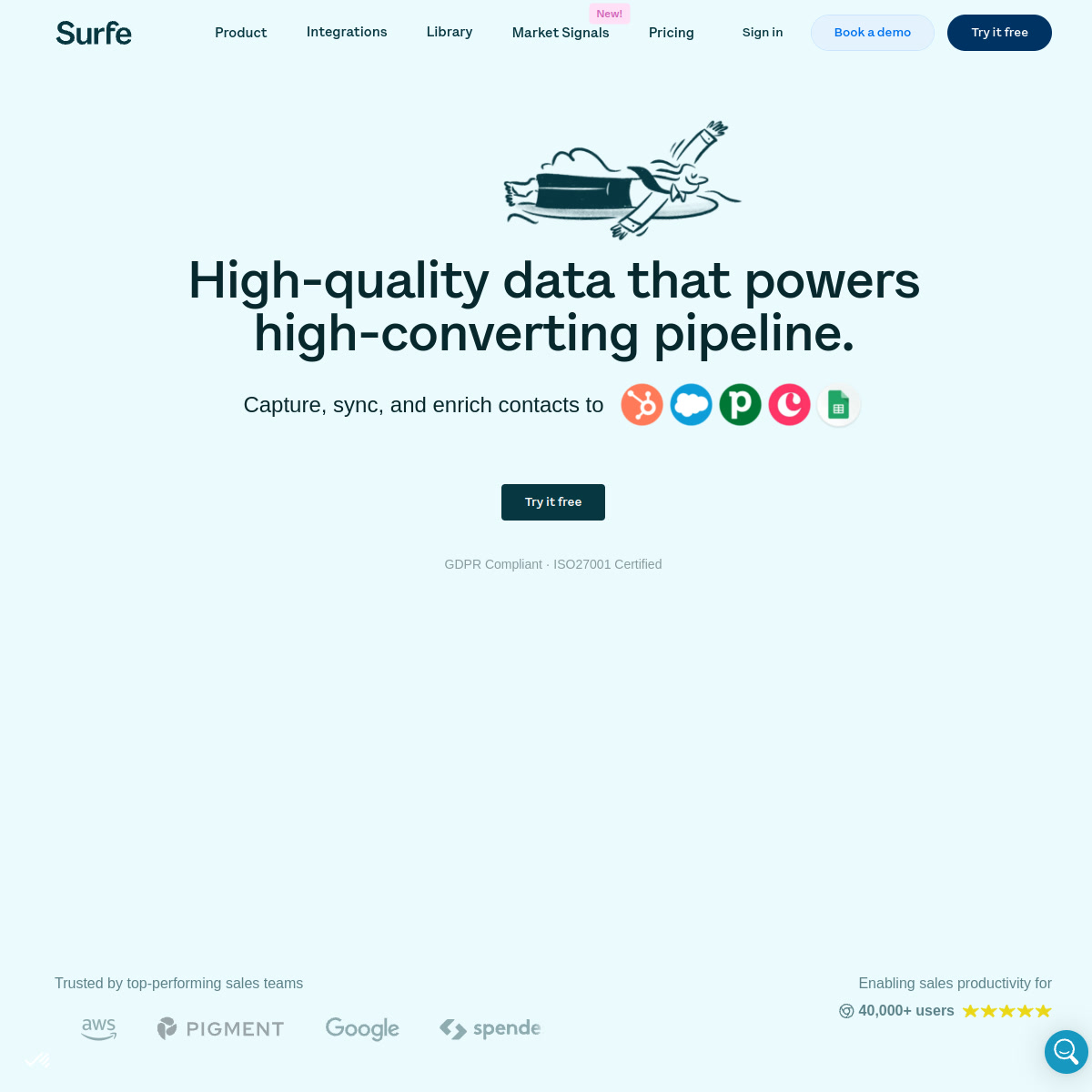
Surfe: LinkedIn CRM Integration Tool for B2B Sales Prospecting and Contact Enrichment (2026)
Surfe is a LinkedIn browser extension - built by Surfe (formerly Leadjet) - that connects LinkedIn profiles and search results directly to your CRM (Salesforce, HubSpot, Pipedrive, or Copper), letting sales reps add contacts, sync notes, and enrich emails without leaving the LinkedIn tab. Surfe is best suited for SDRs and AEs who live in LinkedIn and want to eliminate manual CRM data entry. It is not the right choice for teams that need automated outreach sequences or bulk LinkedIn connection campaigns.
Key Specs
| Feature | Detail |
|---|---|
| Primary use case | LinkedIn-to-CRM sync, contact enrichment, B2B prospecting |
| Best for | SDRs, AEs, sales managers using LinkedIn daily with a CRM |
| Deployment type | Chrome browser extension + web app |
| LinkedIn compliance claim | Works within LinkedIn UI; no automation of actions |
| Daily connection limit | N/A - Surfe does not send connections automatically |
| Safety features | No automated actions; user-triggered only - low ban risk |
| Sales Navigator required | Optional - works with standard LinkedIn and Sales Navigator |
| InMail support | No native InMail automation |
| Sequence builder | Integrates with Salesloft, Outreach, Lemlist for sequences |
| CRM integrations | Salesforce, HubSpot, Pipedrive, Copper, Google Sheets |
| Email enrichment | Yes - waterfall enrichment, 20-1,000 credits/year by plan |
| Team features | Contact list sync, shared prospecting (Pro+) |
| API availability | Not publicly documented |
| Pricing model | Per-user subscription + credit allocations for enrichment |
| Free plan | Yes - Free $0/mo (20 email credits, 5 mobile credits/year) |
| Paid plans | Essential $39/user/mo, Pro $79/user/mo |
What Surfe Does Well
One-Click LinkedIn to CRM
Surfe's core strength is eliminating the tab-switching between LinkedIn and your CRM. A "Add to CRM" button appears directly on LinkedIn profiles, letting reps save a contact to HubSpot or Salesforce in one click with name, company, title, and LinkedIn URL pre-populated. This alone saves SDRs 30-60 minutes of manual data entry per day.
Waterfall Email Enrichment
Instead of relying on a single email finder, Surfe cascades through multiple providers to maximize verified email find rates. According to customer testimonials, teams using Surfe's waterfall approach have reported average find rates of around 90% on contact data - significantly above single-provider tools.
Prospecting List Builder
On the Pro plan, Surfe includes a Prospect List Builder that lets reps create segmented lead lists from LinkedIn results and export them directly to CRM or Google Sheets. Combined with the Company and People Search feature (10,000 results/day on Pro), this creates an efficient sourcing workflow without needing a separate data tool.
Known Limitations
- LinkedIn ToS risk: Surfe works as a browser extension that reads LinkedIn page data. It does not automate clicks or send messages, which keeps ban risk low. However, any extension accessing LinkedIn operates in a grey area of LinkedIn's terms of service.
- Limited enrichment credits on lower tiers: The Free plan's 20 email credits per year is essentially decorative; meaningful use requires at least the Essential plan ($39/mo, 150 credits/year) or Pro ($79/mo, 1,000 credits/year).
- No LinkedIn outreach automation: Surfe won't send connection requests, messages, or InMails. It's a data tool, not an outreach tool.
- CRM sync limitations on Free: One-click CRM add is limited on the Free plan; full functionality requires Essential or Pro.
Best For
- SDRs who prospect on LinkedIn daily and want to eliminate manual CRM entry
- Sales teams using HubSpot, Salesforce, or Pipedrive who need a lightweight enrichment solution
- Small sales teams (2-15 people) who want a quick setup with immediate productivity gains
- Account executives maintaining relationship context across multiple LinkedIn connections
Who Should Look Elsewhere
- Teams needing bulk LinkedIn outreach automation (connection requests, InMails) - use Expandi or Heyreach
- Companies needing 5,000+ enrichment credits per user per month - Clay or Apollo offer better value at scale
- Non-Chrome users - Surfe is Chrome-only as a browser extension
LinkedIn Safety and Compliance
Surfe is a read-only extension that reads LinkedIn page data you are already viewing and adds buttons to your interface, but does not automate actions like clicking, scrolling, or sending messages. This makes it one of the lowest-risk LinkedIn tools from a terms of service perspective. LinkedIn's primary concerns are around automated actions and scraping at scale; Surfe avoids both. In practice, the community reports very low ban rates with Surfe versus outreach automation tools.
Pricing and Cost at Scale
- Free: $0/user/month - 20 email credits, 5 mobile credits per year, limited CRM features
- Essential: $39/user/month - 150 email credits, 50 mobile credits per year, full CRM sync
- Pro: $79/user/month - 1,000 email credits, 100 mobile credits, Prospect List Builder, Account Lookalikes
Cost estimate: A solo SDR enriching 200 contacts/month needs the Pro plan at $79/mo. A 5-person SDR team on Pro: $395/month. A 20-person team: $1,580/month. Teams with higher enrichment needs should compare Clay or Apollo for better credit economics at scale.
Integrations and Workflow Fit
Surfe connects natively to Salesforce, HubSpot, Pipedrive, Copper, and Google Sheets. It also integrates with Salesloft, Outreach, and Lemlist for sequencing. The typical workflow: prospect on LinkedIn, Surfe enriches contact, one-click add to CRM, sequence triggered automatically. Surfe positions itself as the LinkedIn layer of a broader sales stack, not a standalone outreach platform.
Getting Started
- Install the Surfe Chrome extension from the Chrome Web Store
- Create a free account at surfe.com - no credit card required
- Connect your CRM (HubSpot, Salesforce, Pipedrive, or Copper)
- Browse to any LinkedIn profile - the Surfe overlay appears automatically
- Click Add to CRM or Find email to start enriching contacts
Pro tip: Set up a LinkedIn search for your ICP, then use Surfe's bulk export to add 50-100 prospects to your CRM in one session instead of visiting profiles one by one.
What Users Are Saying
Surfe is mentioned regularly in r/sales, r/salesforce, and r/hubspot discussions as a go-to LinkedIn CRM bridge. Most positive feedback centers on time savings from eliminating manual data entry. Negative feedback typically focuses on credit limits being too low on the Essential plan and the lack of automated outreach features. A common Reddit comment pattern: "Great for data, useless for automation."
FAQ
Will Surfe get my LinkedIn account banned?
Low risk - Surfe is read-only and does not automate actions. It reads visible profile data and adds interface buttons. Community experience shows very few bans versus active automation tools.
Is the free plan actually useful?
Marginally - 20 email credits per year is not enough for real prospecting. The Free plan is good for evaluating the interface, but Essential ($39/mo) is the minimum for regular use.
Do I need Sales Navigator?
No - Surfe works with standard LinkedIn. Sales Navigator expands your search capabilities and result volumes but is not required to use Surfe.
Is Surfe a cloud tool or browser extension?
Browser extension (Chrome) - it works by overlaying the LinkedIn interface. There is also a Surfe web app for list management, but the core LinkedIn functionality requires the extension installed.
What CRMs does Surfe support?
Salesforce, HubSpot, Pipedrive, and Copper are natively supported. Google Sheets is also available. Other CRMs may work via Zapier integration.
Can Surfe send LinkedIn messages automatically?
No - Surfe cannot send messages, connection requests, or InMails. It is a data and enrichment tool only. For LinkedIn outreach automation, look at Expandi or Dripify.
Sources
Reviews
No reviews yetSimilar tools in category
Kaspr
B2B lead generation tool and Chrome extension for finding verified phone numbers and email addresses directly from LinkedIn profiles.

ProfileSpider
AI-powered Chrome extension for one-click profile extraction from LinkedIn, Sales Navigator, GitHub, and any website. Extracts up to 200 profiles per page with 1 credit — GDPR-friendly local storage.

Lix
Lix is a LinkedIn data enrichment and lead generation Chrome extension that exports up to 10,000 leads per day from LinkedIn and Sales Navigator with 98% accurate email validation. Built for B2B prospectors who need enriched contact data at scale.